It is not recommended to turn off the online license check.
(but it might be necessary in some cases )
To disable B1UP automatically online license check for an SAP database perform the following steps:
- Go to Tools >> User-Define Windows >> "BOY_SBO_LICCONF"

- Change the value in the URL field to "disabled" and update.
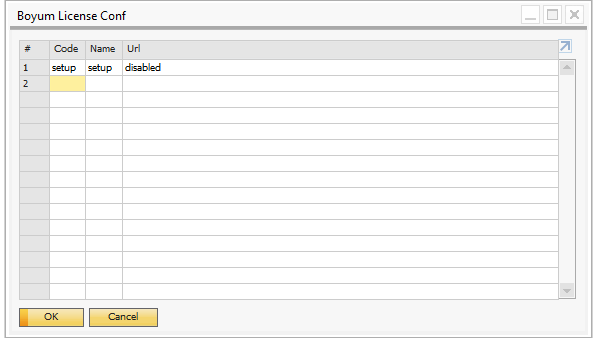
This will disable the online check and all future license checks will be against the offline license.
Read more about getting an offline license here: offline license
Reenable online license check
To reenable the online license check go to the same window and delete the setup record and restart SAP
Comments
0 comments
Please sign in to leave a comment.