Q: What is the difference between "Automatic" and "Mandatory"?
A: An "Automatic" add-on will be like a "Mandatory" add-on where it starts when SAP Business One starts, but it is possible to go to "Administration > Add-on > Add on manager" and stop an "Automatic" add-on again. If you run an add-on as "Mandatory", the user is not able to continue using the client without the add-on running.
We recommend you run B1UP as mandatory.
Q: I've logged in as manager and set the add-on to Automatic but when I log in add-on does not start.
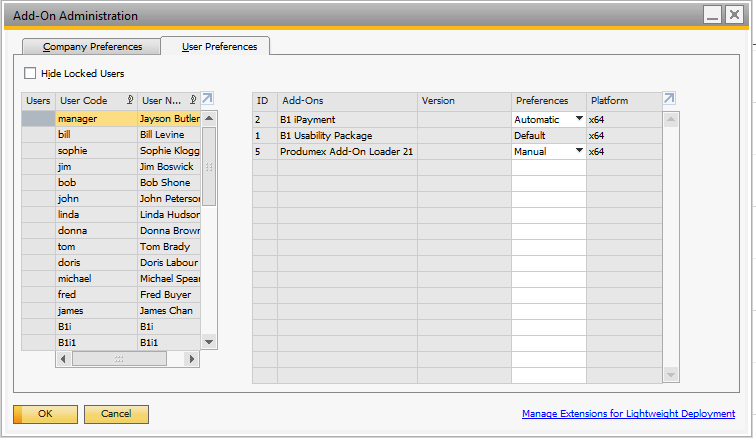
A: This is normal behavior from SAP. Go to the add-on user setting and change startup mode from "Manual" to "Default"
Q: I've set the startup mode as "Mandatory", but the add-on is not running when the client is started
A: Check the user-specific settings if those are overriding the general startup preferences:
If it still doesn't start, you need to contact SAP support, as none of our code is being run at this point.
Comments
0 comments
Please sign in to leave a comment.