Issue
If you install do the following steps:
- Install a B1 Web Client Extension
- Use the Web Client's homepage customization tools to move the extension to the Home screen and exit Edit Mode
- Remove the Extension that was added on the home Screen
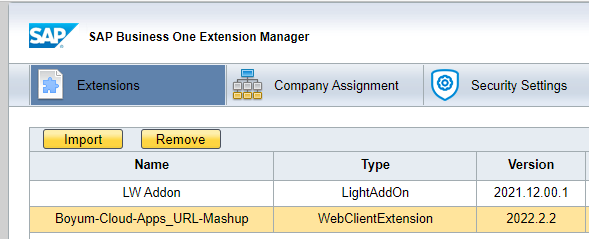
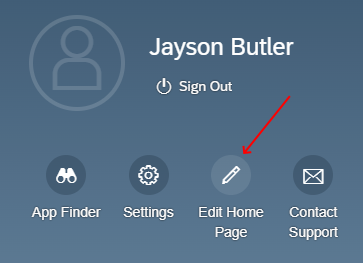
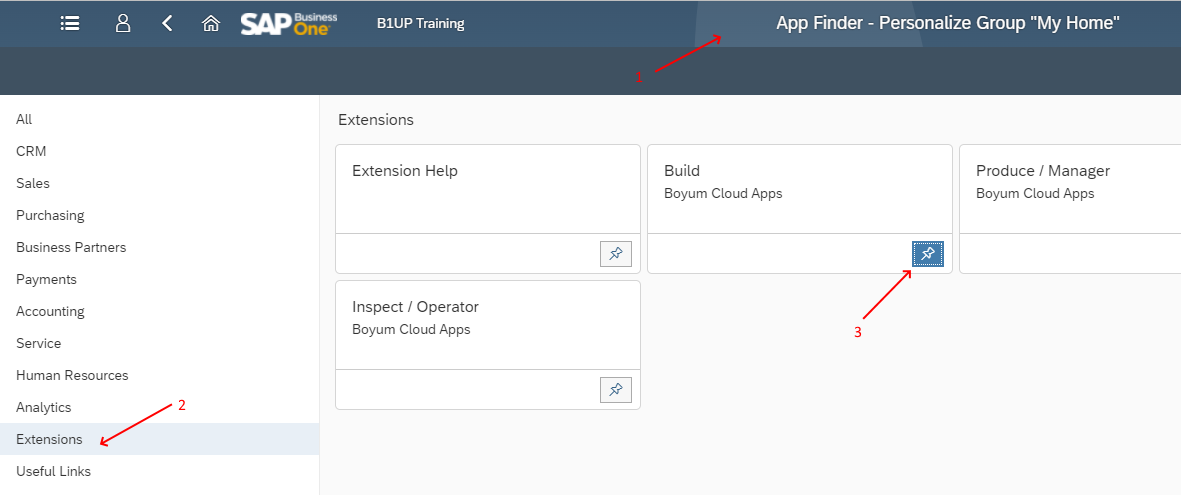
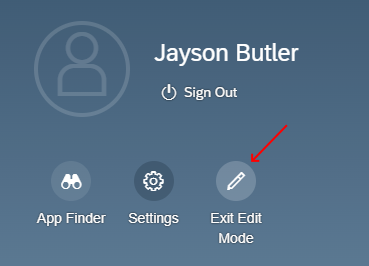

Doing the above results in the Web-Client "Crash" when reloaded with the following error

Error: while trying to read the field 'bind' of a null object loaded from field com.sap.b1.infra.meta.tile.Tile.action of an object loaded from local variable 'tile'
***
Resolution:
SAP has fixed this in SBO10 FP2202. Should you encounter this issue on prior SAP versions you should contact SAP Support to get the issue resolved.
Comments
0 comments
Please sign in to leave a comment.