When opening Screens in CRMFO you might see an error that look like this:

(Could not get Numbering Series: No matching records found (ODBC -2028))
or the error will look like this
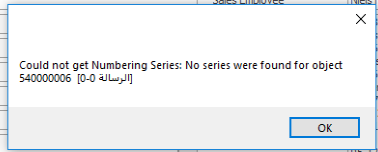
(Could not get Numbering Series: No series were found for object <objecttype>)
***
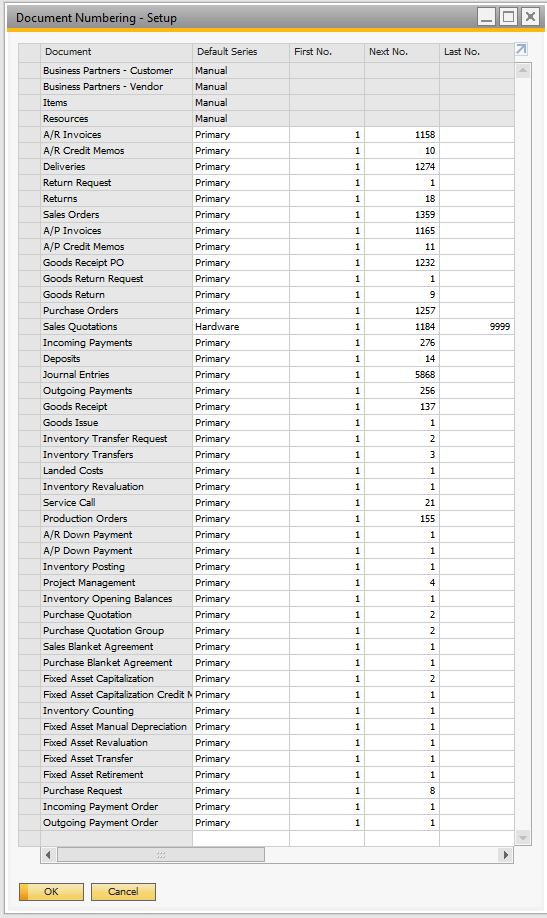
These errors are normal when you have not assigned all objects in SAP Business One a numbering series (even if they are not used by CRMFO the SAP SDK can raise the errors).
So in order to fix please go to SAP and assign missing series
***
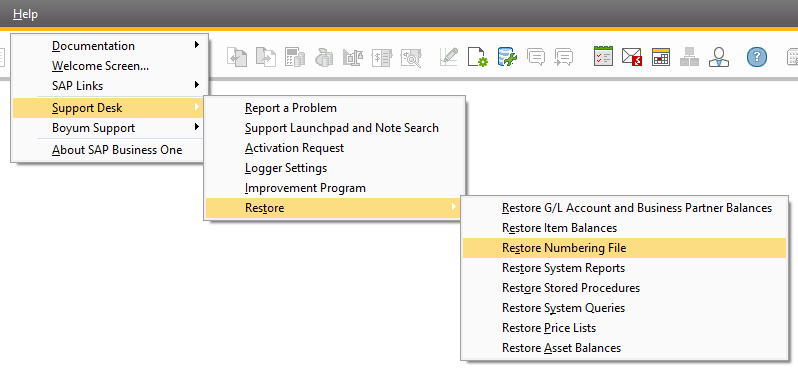
If still issues then also please try to restore the numbering file as that can also resolve such issues
Comments
0 comments
Please sign in to leave a comment.