In working with B1 Dashboard and Calendars you might have noticed that the names of dates (day names and month names) might not follow your B1 Client Language.
This is because the format is drawn directly from Windows and not the B1 Client
So as an example in my system I run with a Danish format resulting that date are shown in the Danish format
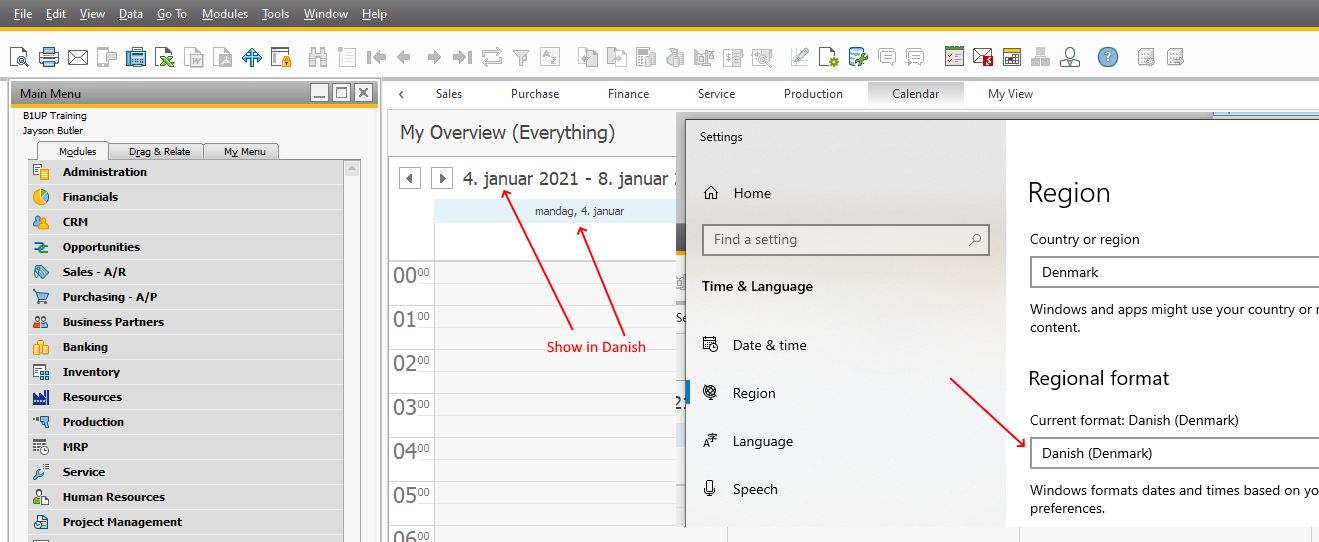
If you want to change that you can however go to your windows settings and change this:
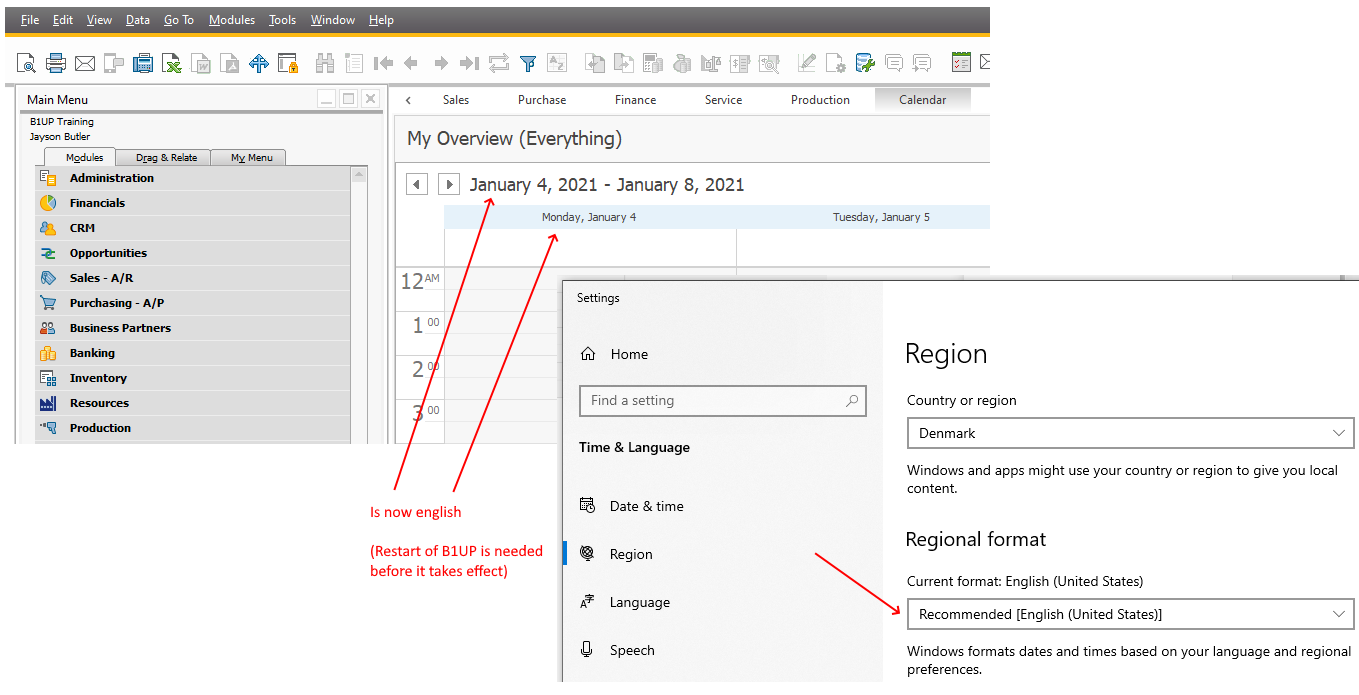
(Please note it require a restart of the B1UP Add-on before it takes effect)
Comments
0 comments
Please sign in to leave a comment.