Q: What is the Problem?
A: If you make a UDO with an SAP Generated Form and use the Item Placement Tool or Add a SQL Report tab, you might notice that if you resize or maximize the screen that the content placed might be placed wrong or not showing anymore.
Q: What is the Solution?
A: This is due to an SAP Bug (or a "Limitation") as they say it, so there is, unfortunately, no solutions to this as SAP refuse to fix it :-(
Q: Is there any workarounds?
A: We are looking into solutions but unfortunately we are not too optimistic if we can make one without help from SAP. Should we ever find a workaround we will update this article but until then the only "workaround" is to keep the UDO in its initial size (yes, that sucks, but it is the only workaround we have :-/ )
Example:
Added buttons can be seen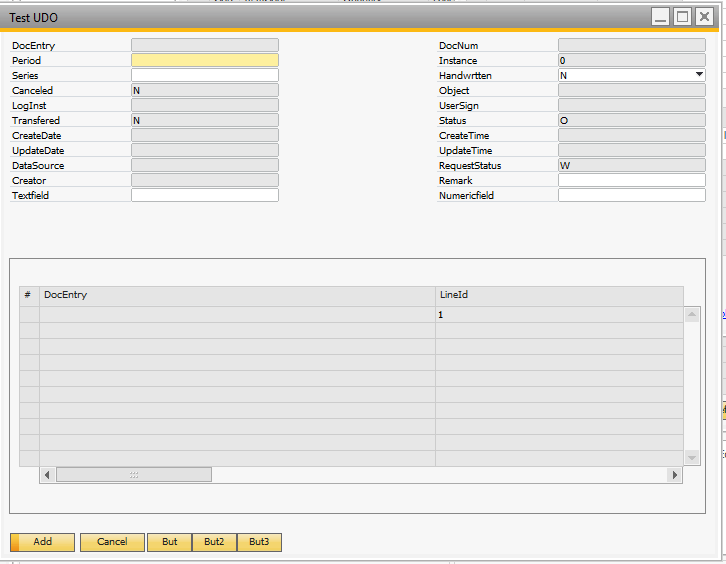
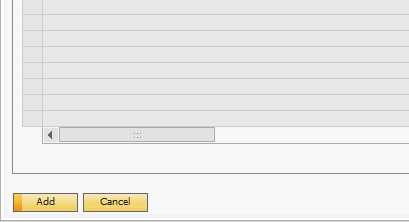
If you maximize the screen, the buttons disappear
Comments
0 comments
Please sign in to leave a comment.