[This article describes an old feature not present in B1UP 2019.x or higher.]
Scenario:
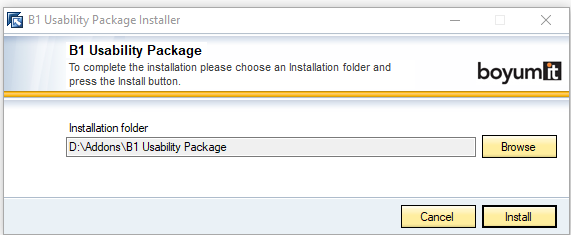
You have previously used the "Installer (With install path selection).ard" option when installing the Boyum Pack. During installation, you changed the default installation path to a different path.
Example:
Issue:
In Boyum Pack 2018.x we removed the "Installer (With install path selection).ard" option.
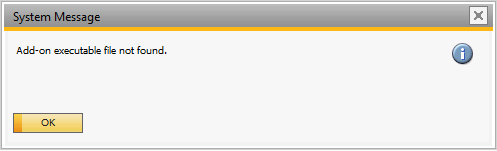
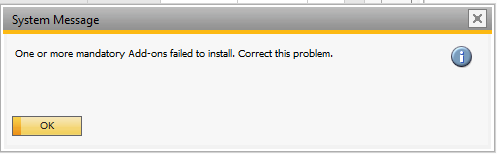
When you try to install Boyum Pack 2018.x you will get multiple errors due to an SAP Bug:
Workaround 1:
- Go to folder you installed SAP Business One (Example: C:\Program Files (x86)\SAP\SAP Business One)
- In above folder locate the file "AddOnsInstall.sbo". Edit it in notepad or similar.
- In the file, you will find that SAP have written an incorrect install path (the default install-path despite you have an overwritten install path). If you correct this path to the correct overwritten install path the add-on will be able to run
Workaround 2:
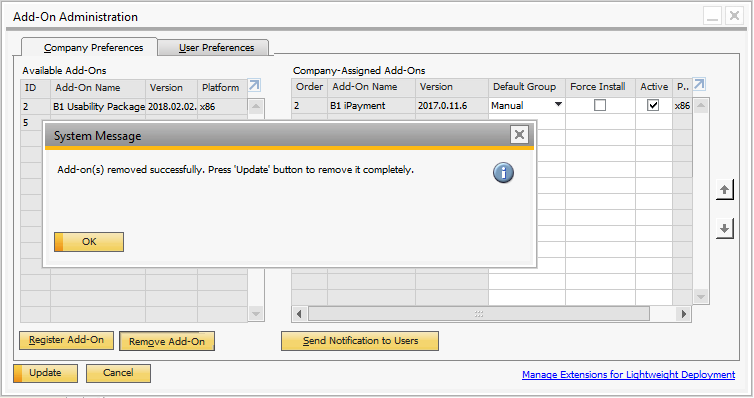
- Remove the add-on from SAP and restart the client (Important that you restart the client):
- Open the Windows Registry Editor (regedit.exe)
- Navigate to: Computer\HKEY_LOCAL_MACHINE\SOFTWARE\WOW6432Node\SAP\AddOn\BOY_USABILITY

- Delete the entry called "InstallPath":

- Install the add-on again and it should now complete without issues.
Fix
We have added a workaround to the SAP bug in B1UP 2018.03 and higher so the workaround is not needed.
Comments
0 comments
Please sign in to leave a comment.