We can enable four additional fields in Beas forms
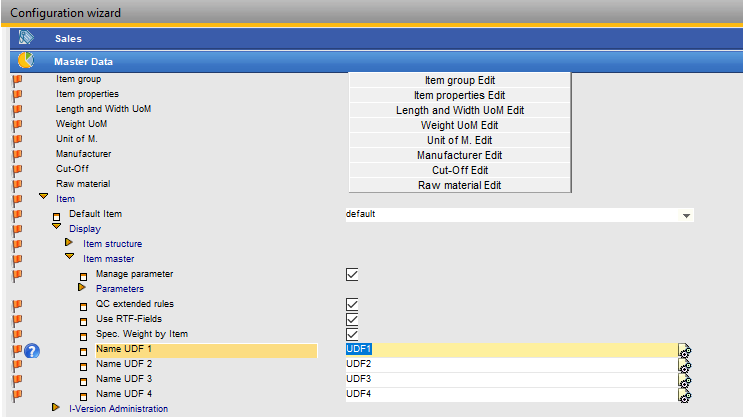
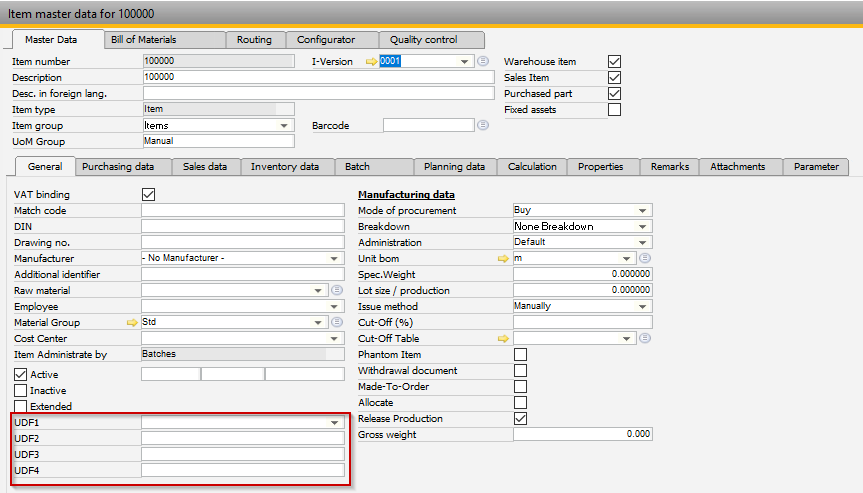
Example 1: Item master data
Go to Configuration wizard -> Master Data -> Display -> Item Master
Enter field names it will enable and display Item master data
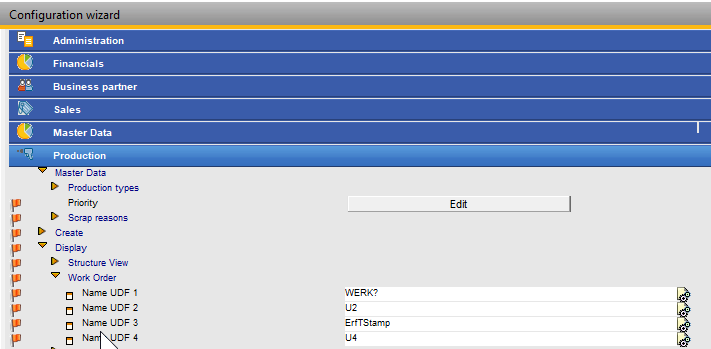
Example 2: Work order
Go to Configuration wizard -> Production -> Display -> Work order
Enter field names it will enable and display Item master data
Comments
0 comments
Please sign in to leave a comment.