This error during CRM server component installation indicates that something went wrong connection to SAP’s DI-API. Please press back at the top-left and verify that the server login information is correct. If they are there might be something wrong with the DI-API.
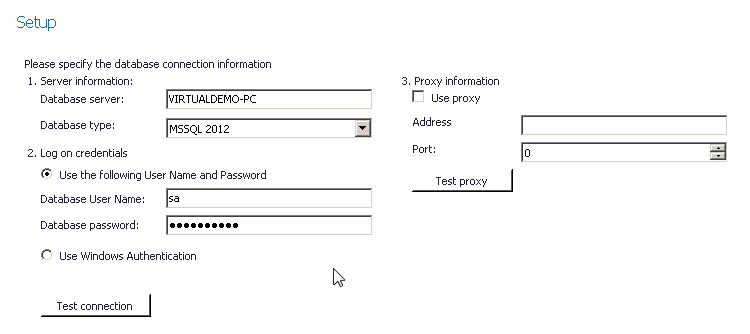
The best way to verify this is to install SAP’s Data Transfer Workbench (DTW) tool. This tool also does DI-API connections and if this can’t connect either there is a general problem that needs SAP Support's involvement.
Comments
0 comments
Please sign in to leave a comment.