Produmex Scan uses the Employee Number for an operator to log in on a device. SBO 10 no longer displays the Employee Number in Employee Master Data, and just shows Employee Code.
The login still works using the Employee Number, so this should not present as a problem to existing customers, but it will be a bit harder for new users to know what is their Employee Number.
In the future Produmex Scan will be changed so that in SBO 10 (and above) it uses the Employee Code to login (instead of Employee Number).
For now, if using SBO 10 and there is a need to find the Employee Number, please follow these steps:
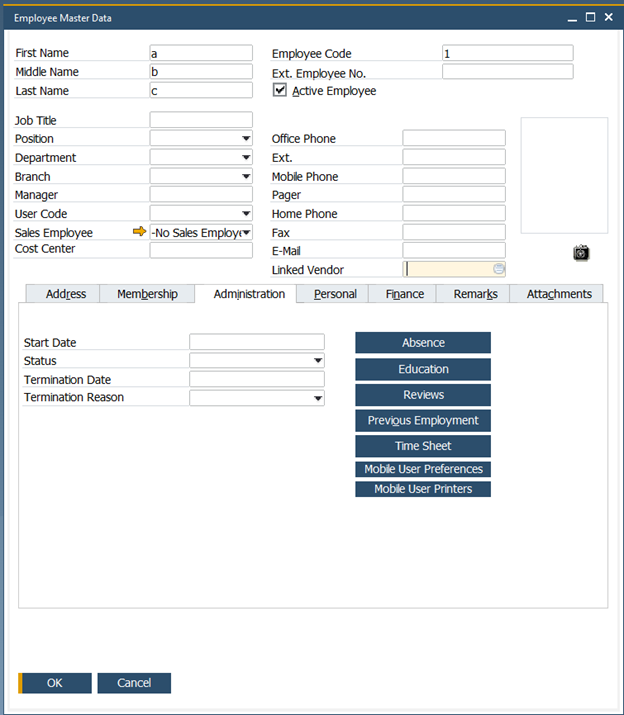
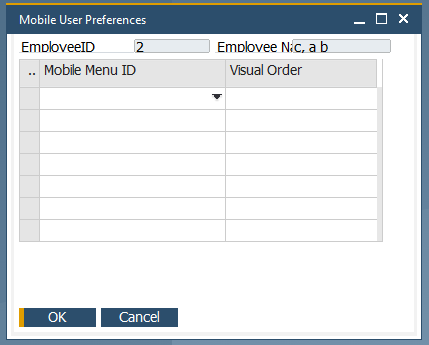
On the Administrator tab press User Mobile Preferences. It will contain the needed data in the EmployeeID field.
Open Item Master Data
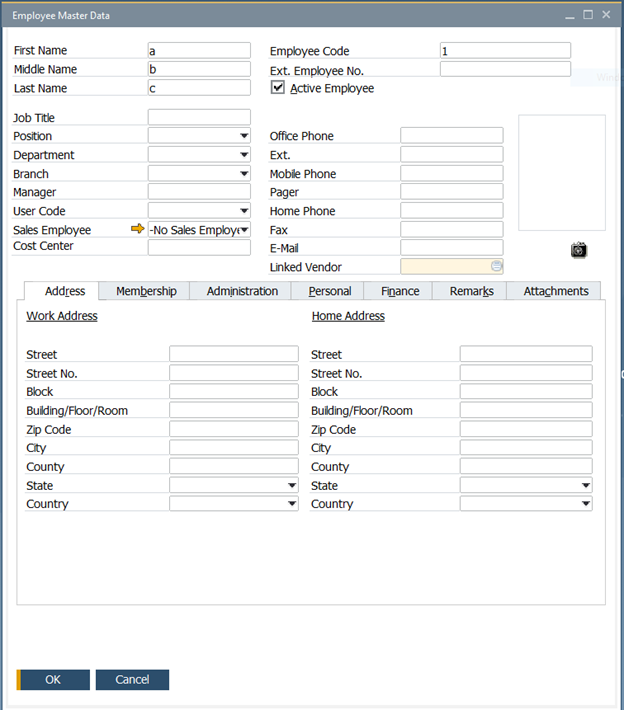
Click Administration tab
Employee Number is the value in the field EmployeeID
Comments
0 comments
Article is closed for comments.