Data modifications can be either discarded or stored to Dynamics 365 Business Central.
Discard changes
In case you wish to discard your changes after modifying the diagram (provided you didn’t save them) you can simply reload the data of the diagram. The appropriate items allow to reload the former values or, alternatively, to store your modifications.
Save changes
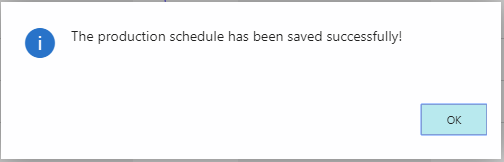
Click the "Save" item to store your modifications. After having saved your changes, a confirmation message pops up:
Comments
0 comments
Please sign in to leave a comment.