In this topic I'm going to show you how to change Beas language to SAP language which you're using.
- In SAP open Adminstration - System initialiazation - Configration wizard (einrichtungs - assistent)
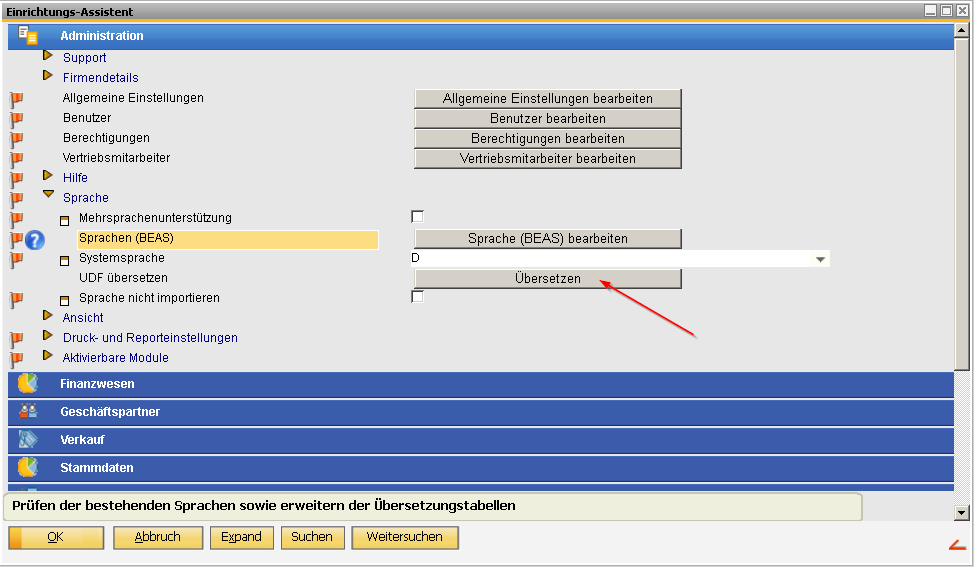
- In Configuration wizard open - Adminstration - Language (Sprache) - click on the button Sprache
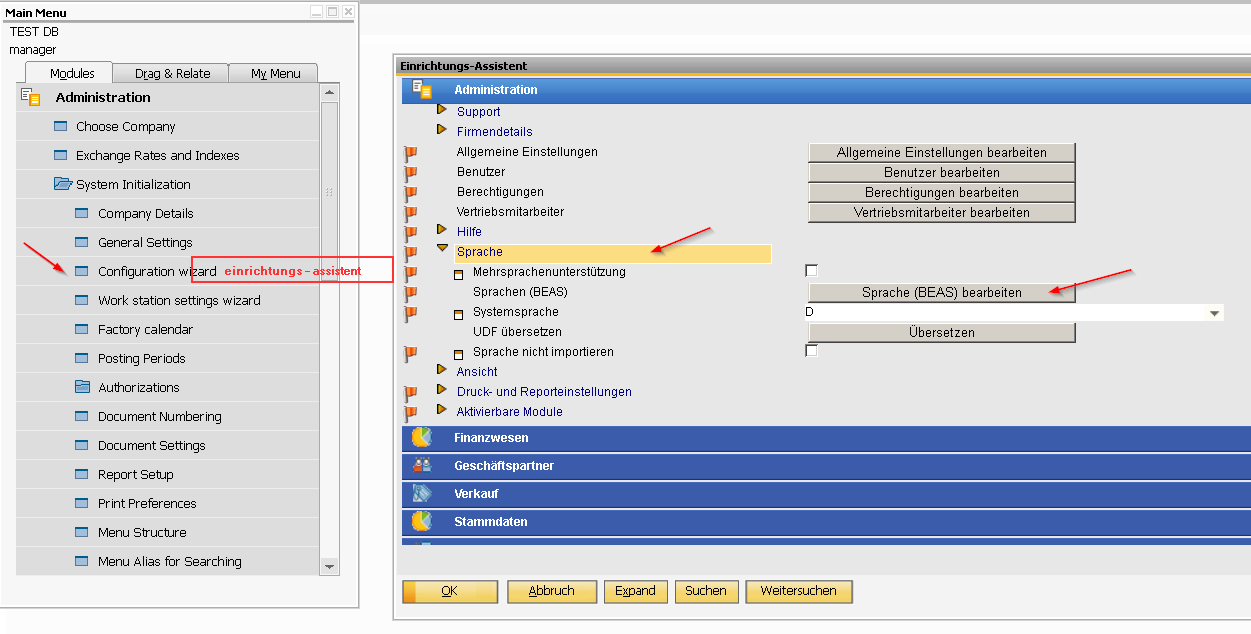
-
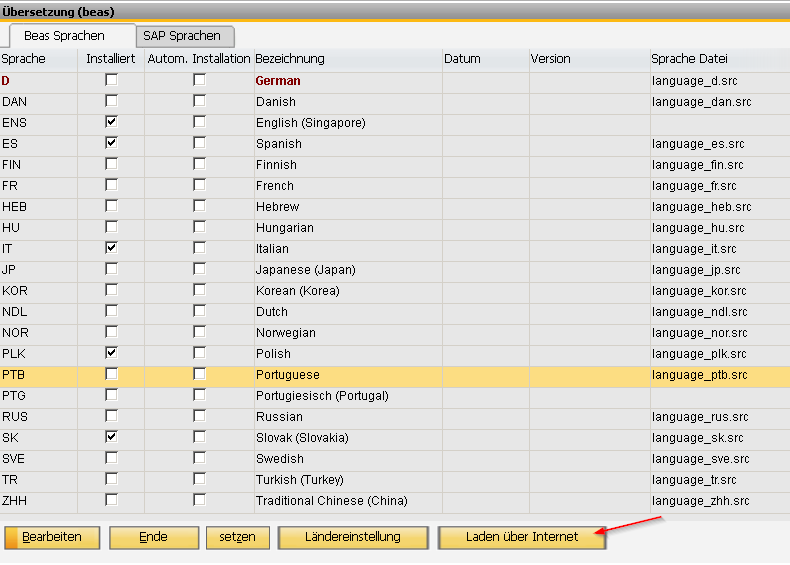
Then you will mark your language and say Load by internet (Laden über internet)
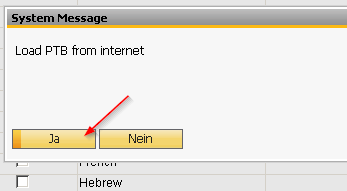
- Say Yes (Ja)
- Then Setzen
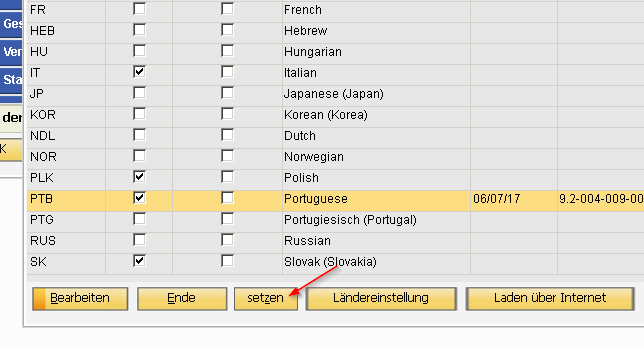
- And for translation UDF's you have to click on Übersetzen in Configuration wizard
Thank you for your attention.
Comments
0 comments
Please sign in to leave a comment.