The Beas manufacturing team have added improvements to the activity log website, to allow better finding of information as well as to allow tracking of known errors.
Here what is new in the activity log:
Follow ticket:
If the support sends you a link to activity log, you can follow all changes (delivered in version, what is changed, plan of deliver and so on)
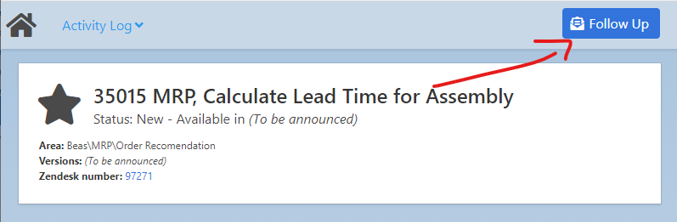
The system send you an email, if any status or information in the ticket is changed
Activity log - known issues
http://www.beascloud.com/beasweb/tfsActivityLog.php
Now it's possible to display known issues. You can search by full text or window name
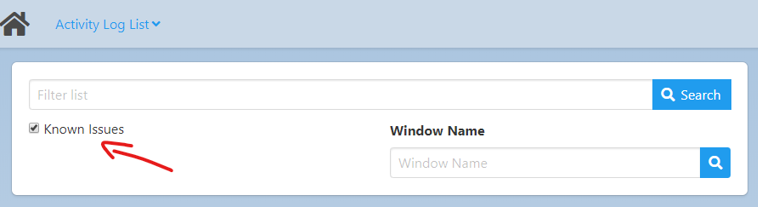
Note: Not all issues are described
If delivery time is existing, then you can see the Beas version number, in which we want to deliver it.
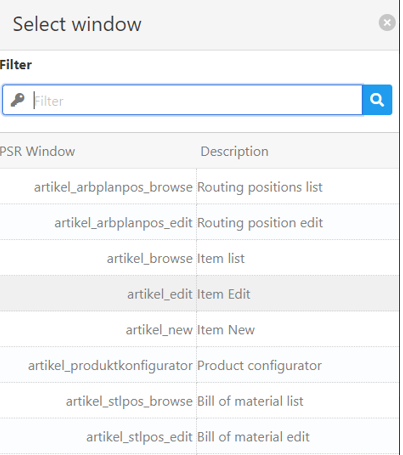
Search by Beas Version and window name
Now you can choose the Beas Version or Window name by list
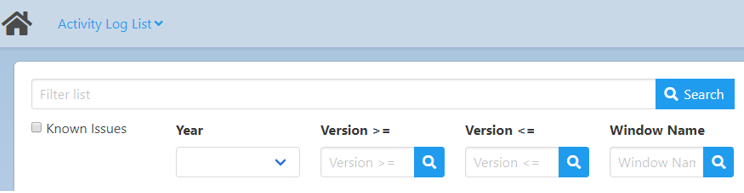
Main Beas Versions and window names are available
New search by version
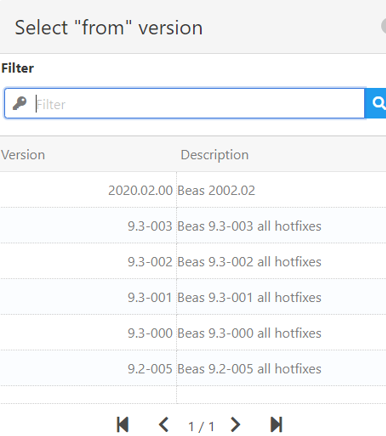
New search by screen
Comments
0 comments
Please sign in to leave a comment.