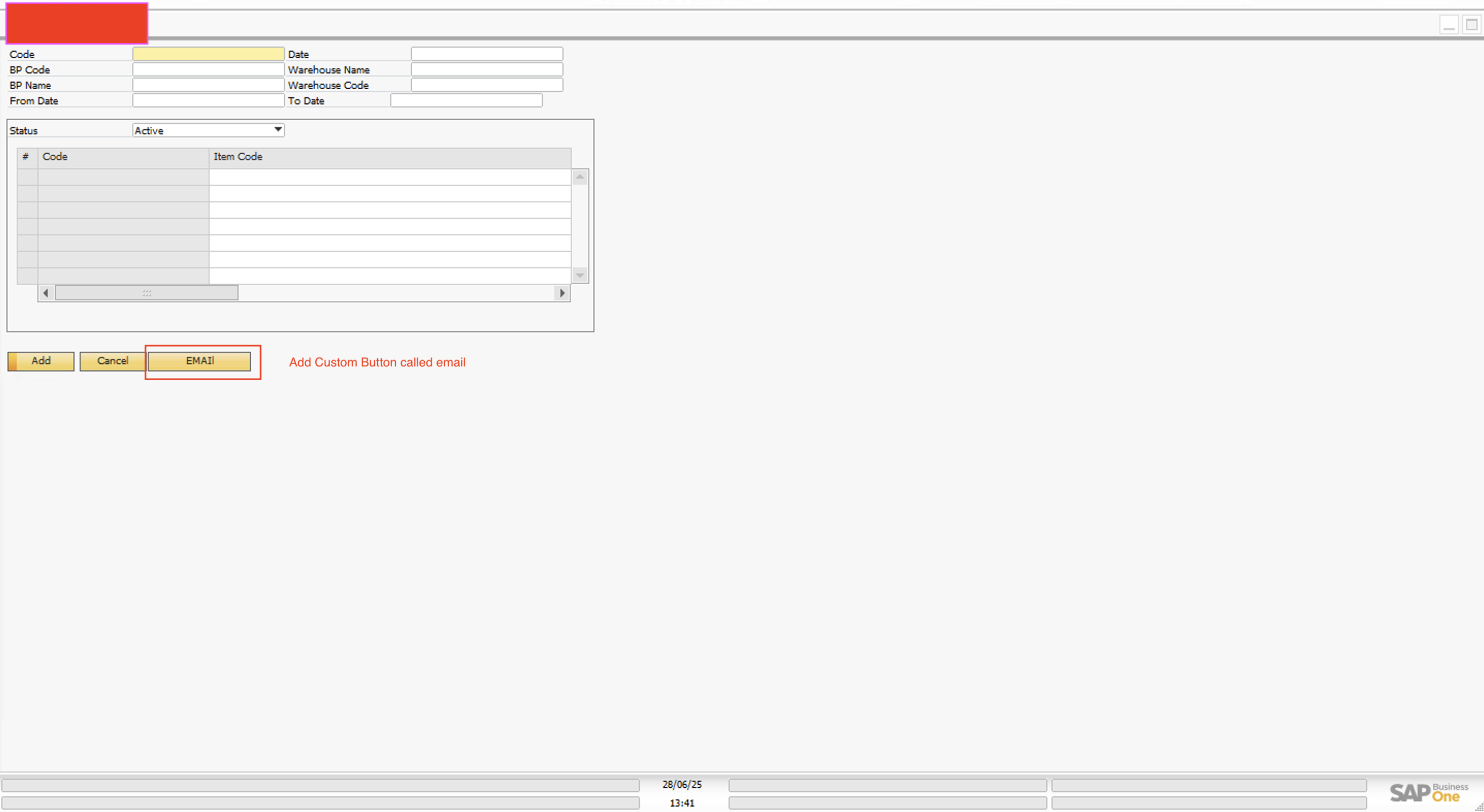
When we add a Function Button on the custom form, the UI Form changes unexpectedly.How can we prevent this UI change and ensure the form remains as designed after adding the Function Button?

I am facing an issue with a UDO form that I have designed using B1UP.
After adding a Function Button to the form, the UI layout becomes smaller and appears different from the original design. I'm not sure why this is happening.
Could someone please guide me on how to prevent the UI from changing when adding the Function Button?
Comments
2 comments
For a workaround, Use Item Placement Tool and a B1 Validation to call your Universal Function and forgo Function buttons entirely.
I agree with Keshava. There's a full breakdown of this in this article Lets Talk About Buttons – Boyum Help Center
Please sign in to leave a comment.