The Issue
If you have a UDO like this (or any SAP Generated UDO for that matter)
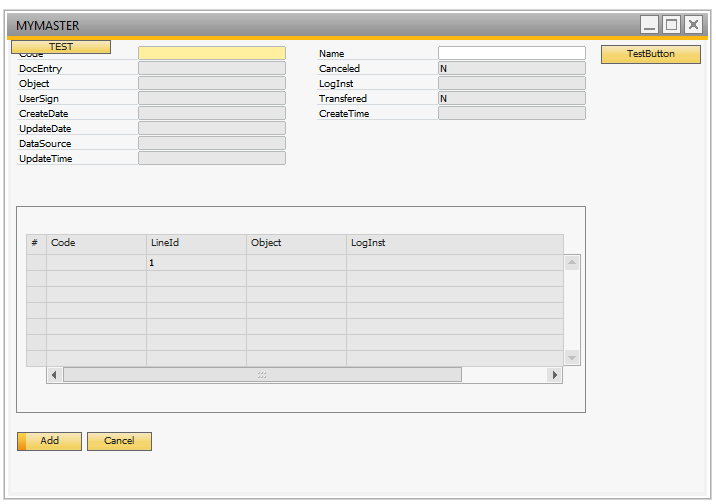
And you would like to open this UDO via a Macro you normally find the MenuUid
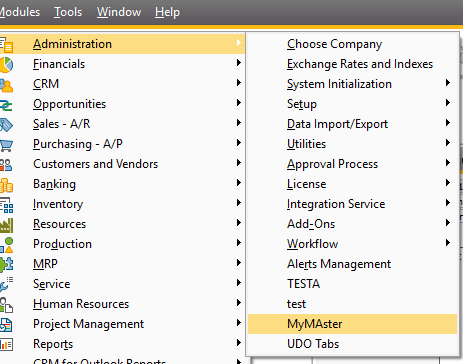
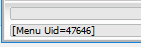
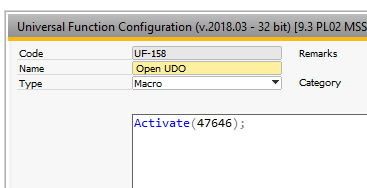
and call an Activate(<menuUid>) command in a Macro.
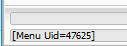
This seems to all work fine until you restart the SAP Business One client and notice that SAP keep changing the Menu Uid.
| Before restart | After restart |
|
|
How to get around this?
In order to get around this, you need to do something that is rather unintuitive but it works (Thank you to Ernesto Vasquez for this tip) :-)
If you go to the UDO Registration Wizard
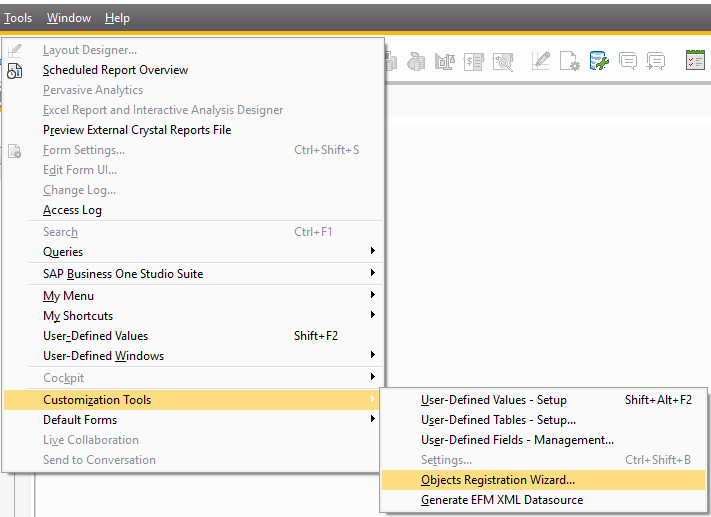
And edit your UDO
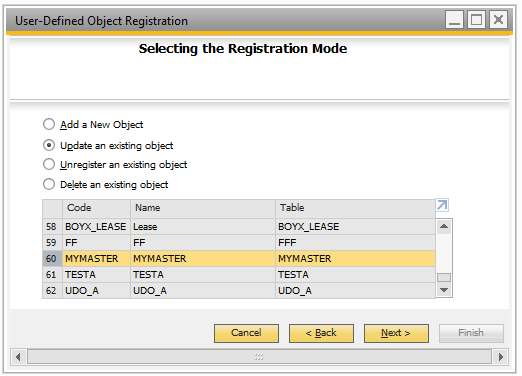
You will see in the step "UI Settings" that you actually defined a MenuUid on creation, but SAP seems to not use it (and instead create a random Menu Uid at each restart)
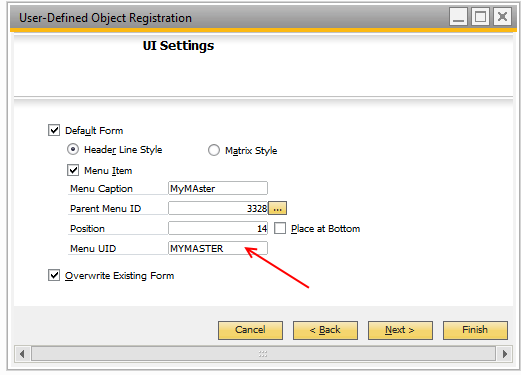
This menu item, however, will actually work! So if you do the following Command in your Macro
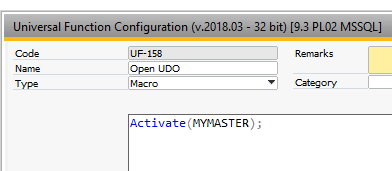
It will open the correct UDO despite this menu-item technically does not exist (it seems SAP translates it on the fly in the SAP SDK).
Comments
1 comment
Rasmus,
great article. I used this and works great!
regards, Sotos Soteriou
Please sign in to leave a comment.