Created My CSV file , but there is only 1 field , how do I add more fields?

Hello All,
I have created following CSV output ..... in the body I have the following Code
#foreach(@line in @DOC2)
#BEGIN
@line.Get('CONCAT')
#END
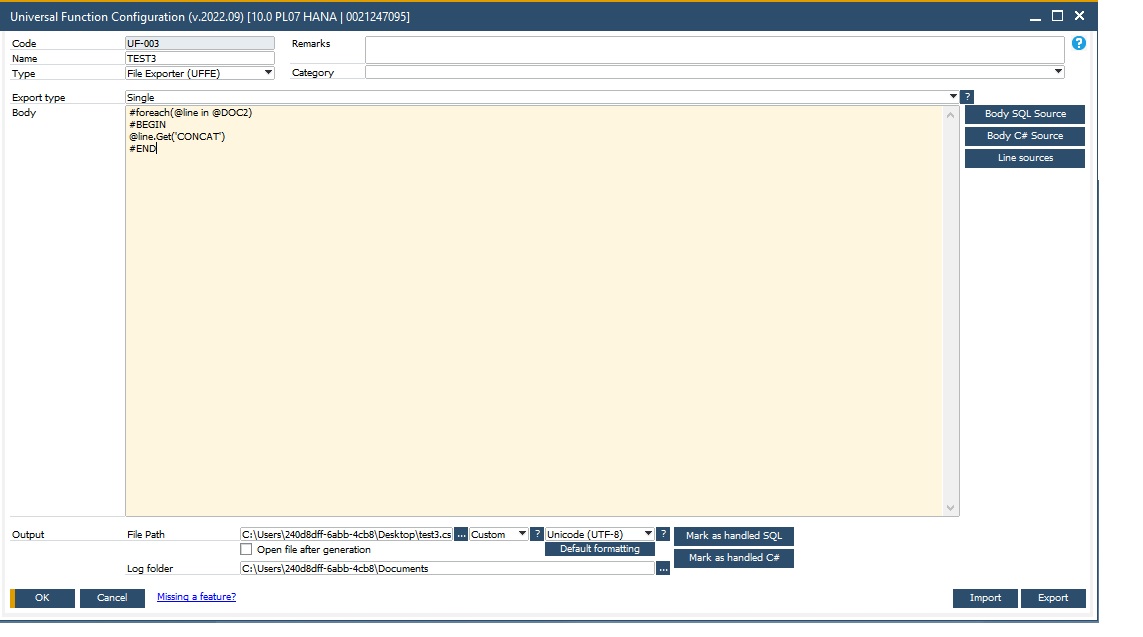
In my Line Source I have
SELECT TOP 100000 T1."DocNum"||'-'||T0."LineNum" AS "CONCAT",T1."DocNum" AS "Document Number", T1."DocStatus" AS "Document Status", T1."DocDate" AS "Posting Date", T0."BaseRef" AS "Base Document Reference", T0."ItemCode" AS "Item No.", T0."LineNum" AS "Row Number",T0."LineStatus" AS "Row Status",T1."DocCur" AS "Document Currency",T1."CardName" AS "Customer/Vendor Name",T1."CardCode" AS "Customer/Vendor Code",T0."Quantity" AS "Quantity",T0."TotalFrgn"/T0."Quantity" AS "UnitPrice (FC)",T0."TotalFrgn" AS "Row Total (FC)",T0."TotalSumSy" AS "Row Total (SC)",T0."TotalSumSy"/T0."Quantity" AS "Fob Prijs in SC",T1."DocTotal" AS "Document Total LC",T1."DocTotalFC" AS "Document Total (FC)",T1."DocTotalSy" AS "Document Total (SC)",T0."OpenQty" AS "Remaining Open Quantity",T1."CANCELED" AS "Canceled" FROM "DEVELOPMENT_BD"."POR1" T0 INNER JOIN "DEVELOPMENT_BD"."OPOR" T1 ON T1."DocEntry" = T0."DocEntry" ORDER BY T1."DocNum" DESC
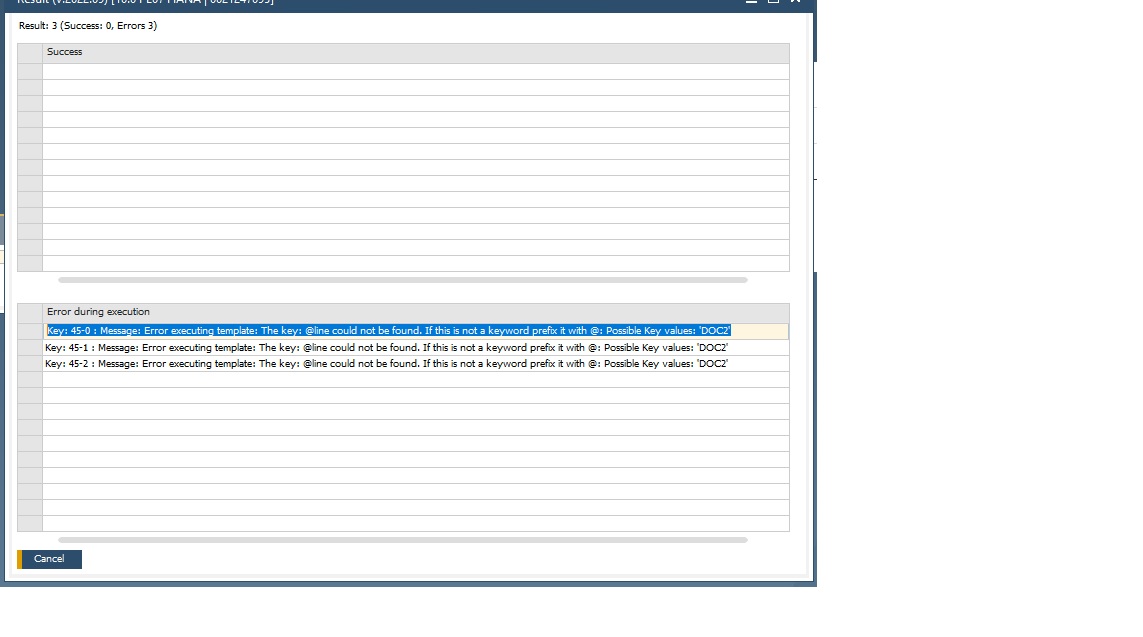
When I Run it as this , the CSV comes out FINE, but if I try to add a Field , I get Follwing error
Key: 45-0 : Message: Error executing template: The key: @line could not be found. If this is not a keyword prefix it with @: Possible Key values: 'DOC2'
Thanks in advance!
Comments
1 comment
I had this issue and resolved it by removing the spaces from my field name aliases.
Please sign in to leave a comment.