Change default remarks in inventory postings

Dear all. Do you know how to change the default text that Beas write in the remarks box in goods entries and issues?
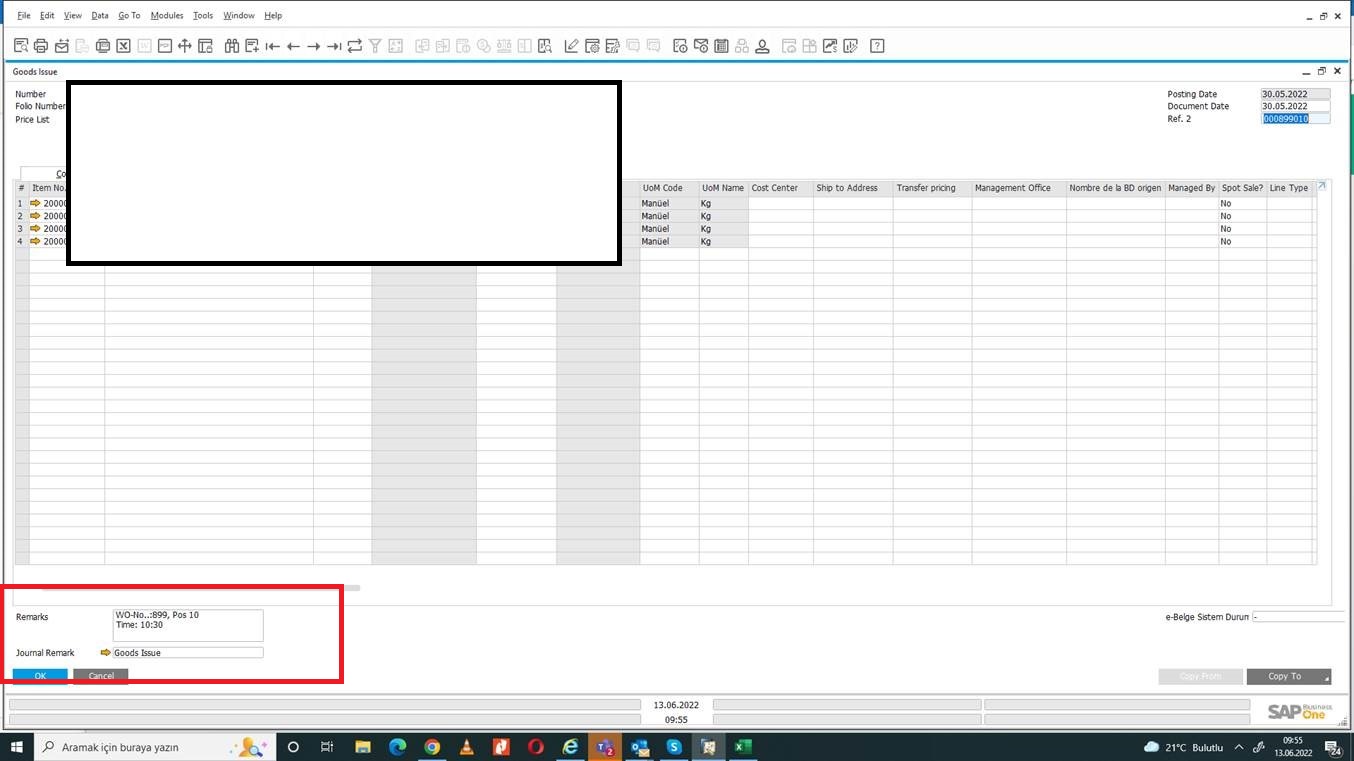
Dear all. Do you know how to change the default text that Beas write in the remarks box in goods entries and issues?
Comments
3 comments
Hi Luis,
It's not changeable.
Only after creation of the
http://help.beascloud.com/script/index.html?ue_stockmanagement_issueend.htm
or over transaction notification procedure
regards
Martin
Hello Martin, I found a solution: as the info field in the material issue screen is copied to the remarks in the goods issue, by updating this field with the info I need in a postopen window event, these info will be transferred to the good issue.
Yes, this is working, if you work with Desktop, but not over BSL or web app or if you work with automatic backflush without opening the Issue window...
Please sign in to leave a comment.