After issuing a part provide option to stay on same screen so they more parts can be issued

Currently, when a material handler issues a part in Be.AS Mobile it will take them back to the main screen. If they need to issue multiple parts, they need to navigate back to the screen they were just at, and then issue another part, and then re-navigate again back to that screen if another part needs to be issued, etc..
The efficiency could be improved by instead keeping the user on that screen by providing them with an option to keep them on that screen so that they can issue more parts.
Here are the screenshots of the current process. This is to just issue one part, so if several parts need to issued it becomes faster to put down the barcode scanner and walk over to a desktop computer to use the Be.AS client instead.
Current process:
1) Scan Barcode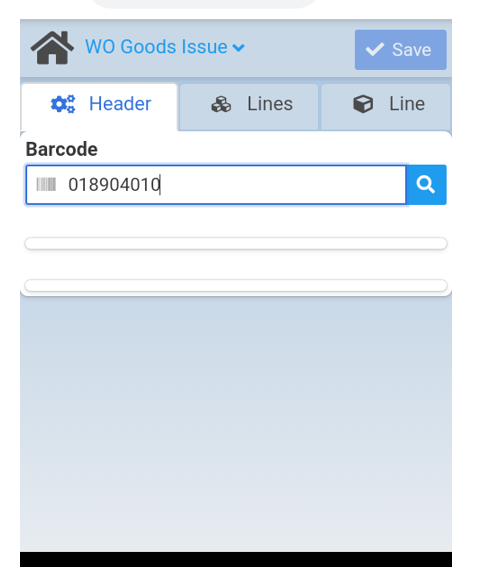
2) Result shows all open work orders for all workcenters (also another feature enhancement request to not do this: https://support.boyum-it.com/hc/en-us/community/posts/360013509118-Beas-Terminal-Log-in-work-order-searchable-by-work-order-
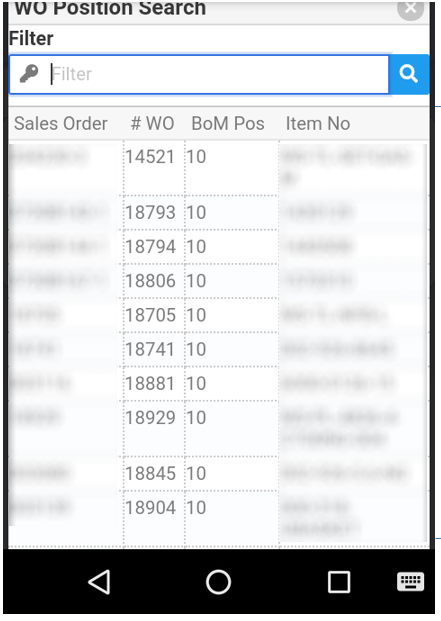
3) Have to manually enter WO and search
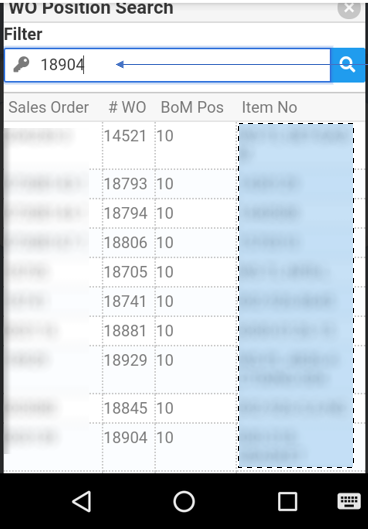
4) User then has to click into the result again to get the detail 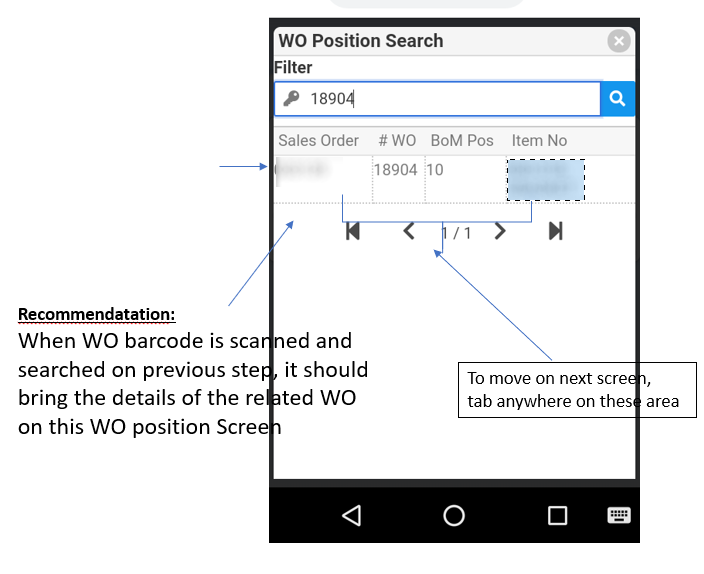
5) They then have to select the item they want to issue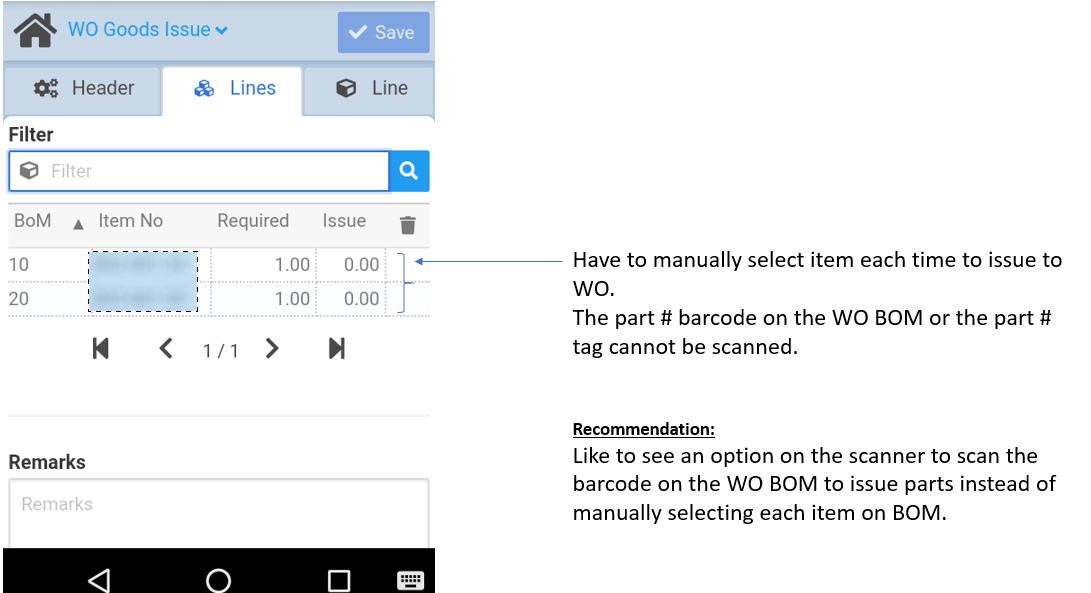
6) Part is then issued; you could add a button here that says "OK and go back to prior screen to issue more parts"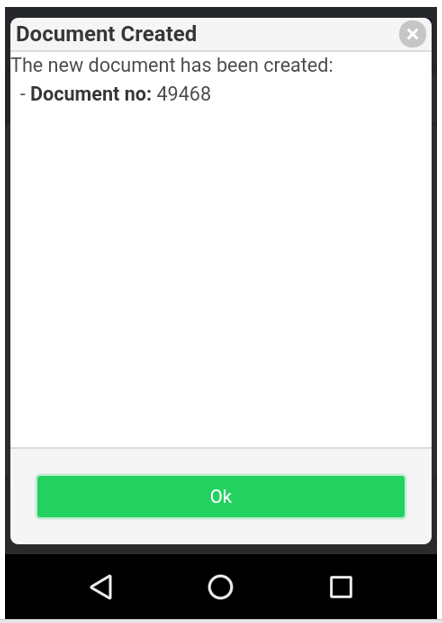
7) And it takes the user back to the main screen to start this very long process all over again.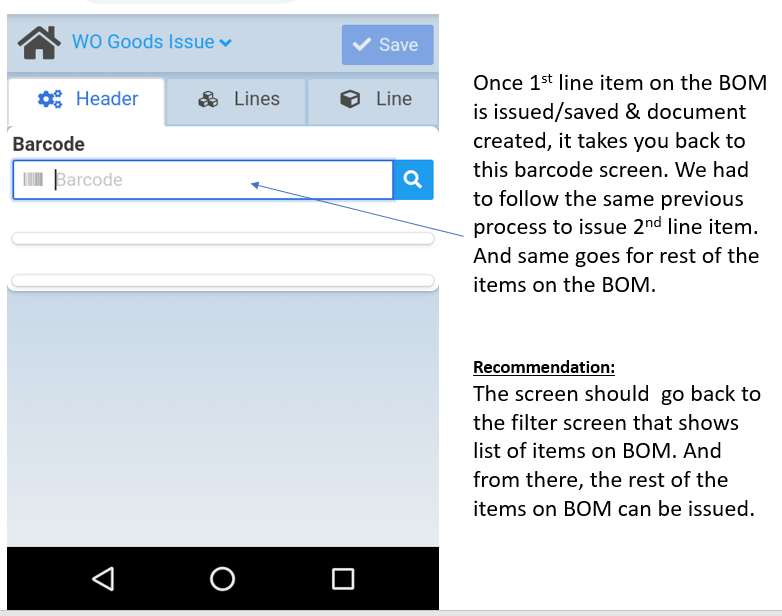
Comments
0 comments
Please sign in to leave a comment.