Special signs inside item number

Martin Heigl

Special characters are not allowed in article numbers. This is due, among other things, to "old" BEAS objects, which cannot handle commas and equals signs (=) in article numbers.

For example, because calls look like this:

object.method=Parameter1=Parameter2

If there is a comma in Parameter1, the call is misinterpreted.

However, BEAS is often not the primary system or is implemented later, resulting in article numbers with commas.

The old calls MUST be revised so that at least the most important special characters, such as commas, equals signs (, =), #, and spaces, are allowed.

The same applies, of course, to batch numbers and serial numbers.

Comments

1 comment

  • Comment author
    Martin Heigl

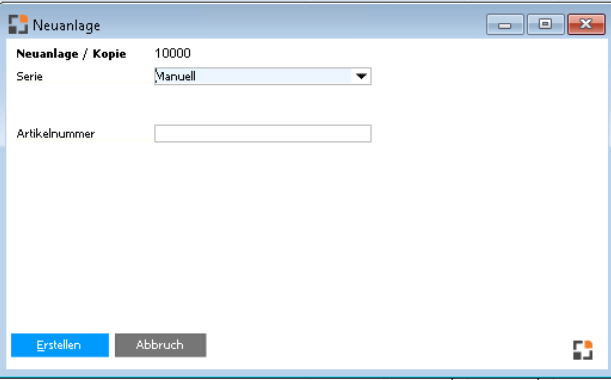
    I've already modified the product setup process for one client to allow special characters. This client already has several thousand products containing special characters.

    We had previously reviewed all the processes the client requires and found no issues.
    artikel_new.src

    // ******* Event dw_1_item_itemcode_itemchanged ********

    // Created 2026/01/06 by Martin Heigl

    global function dw_1_item_itemcode_itemchanged 
    // delete spaces left and right side:

    setitem=itemcode=<itemcode>
    // return false: don't execute standard script

    return false

    end global


    // ******* Event dw_master_item_button_createitem_click ********

    // Created 2026/01/06 by Martin Heigl

    global function dw_master_item_button_createitem_click 

    if <itemcode> = "" then

      messagebox=error$please define item code

      return false

    end if
    // check with lower -> HANA!!!

    select count(*) from "OITM" where lower("ItemCode")=lower(<itemcode,dbstring>)

    if <wert1> n> 0 then

    messagebox=error$Item existing

    return false

    end if


    setvar=e_itemcode=""

    declare=myitem=ue_itemtools

    myitem.newitem=fromitem=<str_parm.art_id><tab>toitemcode=<itemcode>

    if <e_itemcode> = "" then

       return false

    end if


    // load bom & routing

    destroy=bom

    declare=bom=ue_api_bom

    bom.import.loadbom=<str_parm.art_id>


    bom.load_or_new=<itemcode>

    bom.import.import.replace

    bom.update


    destroy=routing

    declare=routing=ue_api_routing

    routing.import.loadrouting=<str_parm.art_id>

    routing.load_or_new=<itemcode>

    routing.import.import.replace

    routing.update


    if <str_parm.s_parm2> = opennewitem then

       parent=post=post=event=receipted:retrieve

    parent=post=post=post=openwindow=artikel_edit.psr<tab>s_parm1=<e_itemcode><tab>s_parm2=newitem

    else

       parent.setvar=e_itemcode=<e_itemcode>

       form.close

    end if


    // return false = ignore standard

    return false

    end global
    0

Please sign in to leave a comment.