SMTP configuration on print and delivery Answered

Hi, I am trying to setup gmail on our print and delivery SMTP configuration, I put all information, but always giving me an error. Is there any specific way on how to set up the smtp ? please advise. The error message below
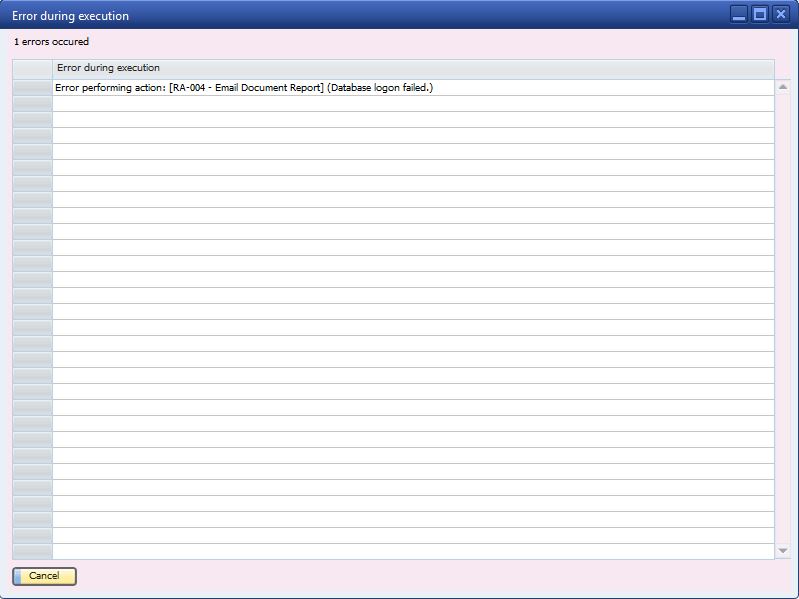
Thank you
Comments
3 comments
Hi,
Unfortunately, based on that image it is hard to understand where the problem is.
Please make sure that you have set the database login as required (you can find this menu under the B1 Print and Delivery menu):
If this is not the case, I suggest you turn to your partner. If you have none, please let us know.
Thanks, Naama
Hi Naama,
Hi,
As emailed on the support ticket:
"As an end-user of B1 Usability Package you should ask your question to your SAP Partner (Vision 33) instead of Boyum IT directly.
This is needed because of the reseller agreement between us and your partner and it is done this way in order to offer you better local support as your partner know your business better than us (They might know details that we don’t that affect the answer).
Boyum IT is normally only involved in second level support (bugs in the product)."
Thanks, Naama
Please sign in to leave a comment.