LANGUAGE ERROR IN BEAS

We are currently in the process of migrating the Interplast customer base. We have had problems with errors in the configuration wizard so it has been necessary to perform the migration again.
This time, when performing the migration and opening Beas, the following language error occurs: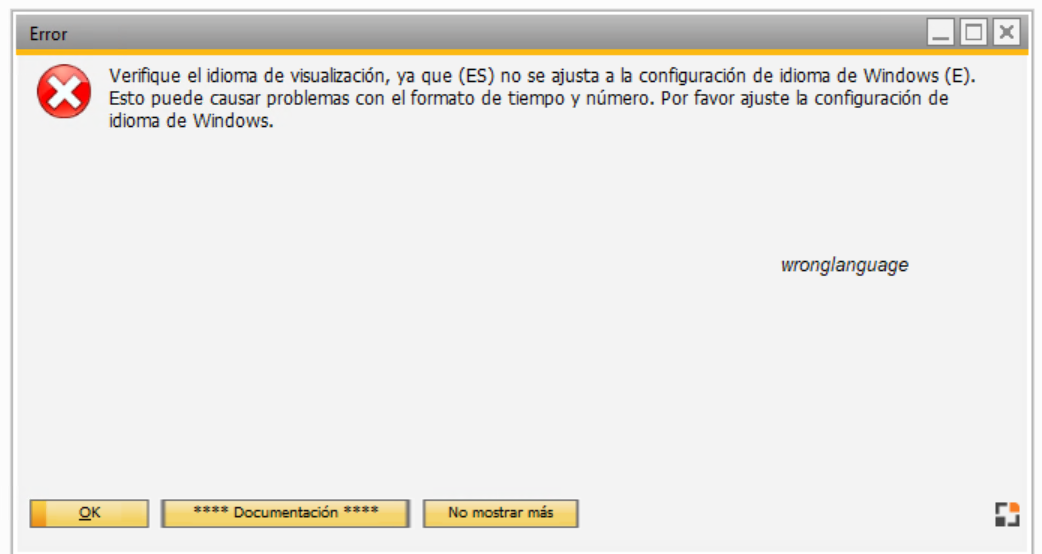
This error is due to the fact that the language in the configuration wizard is set to ‘E’ and the database to ‘ESP’, but due to the error in the configuration wizard it is not possible to make the change in Beas.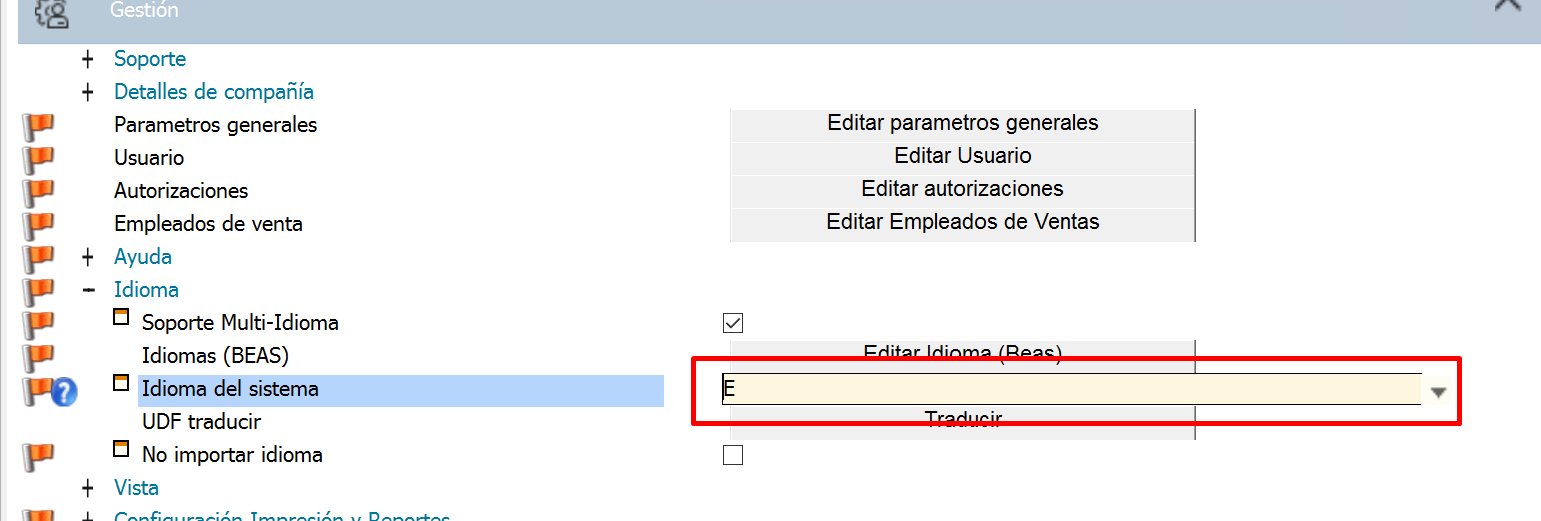
I wonder if I can continue with the migration with this error without it presenting more errors and then change the configuration in beas
Comments
0 comments
Please sign in to leave a comment.