QC Electronic Signature on Web Terminal

Hi Team,
We are having the following request with Quality Control on the Web App. Our client needs that the quality control process passes through 2 verifications, needing the electronic signature to liberate the QC Order on the web terminal.
We have the following configurations for this to work that way, in the desktop it works as intended but in the Web App it doesn´t. When registering the data of the samples, it automatically releases the sample and it´s not configured that way.
To start, these are the configuration from the Conf Wizard of QC.
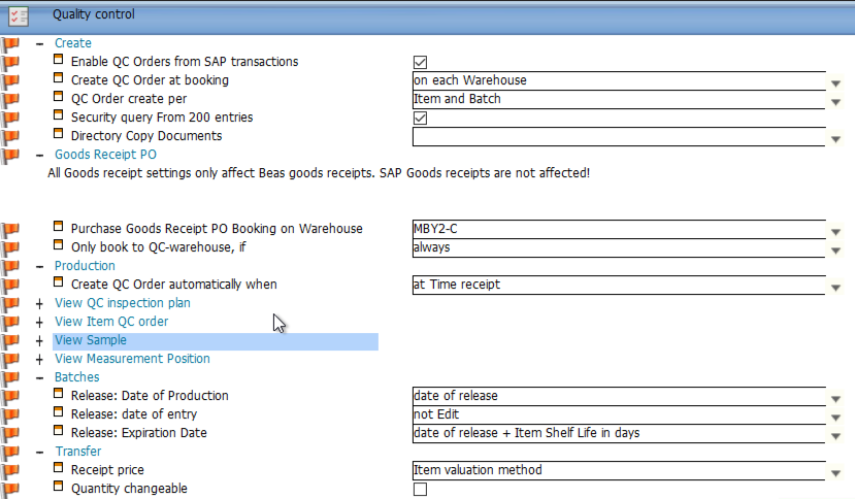
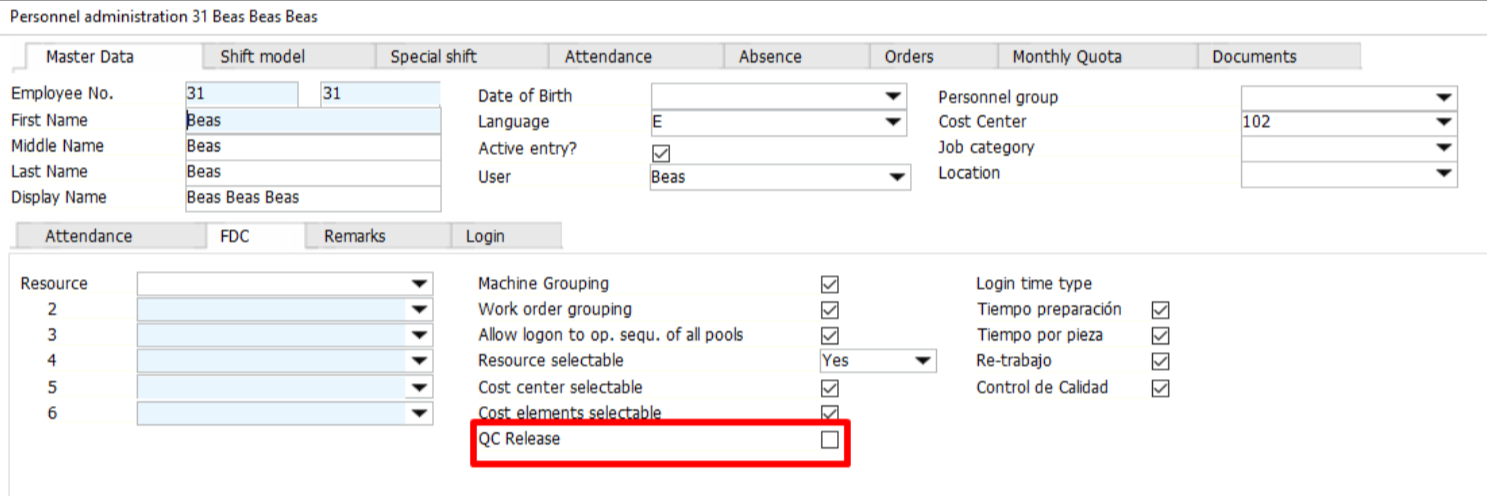
We have 2 users for this: Beas and Inzol. In the following images we have de FDC configurations for them.
Beas personnel FDC:
Inzol personnel FDC:
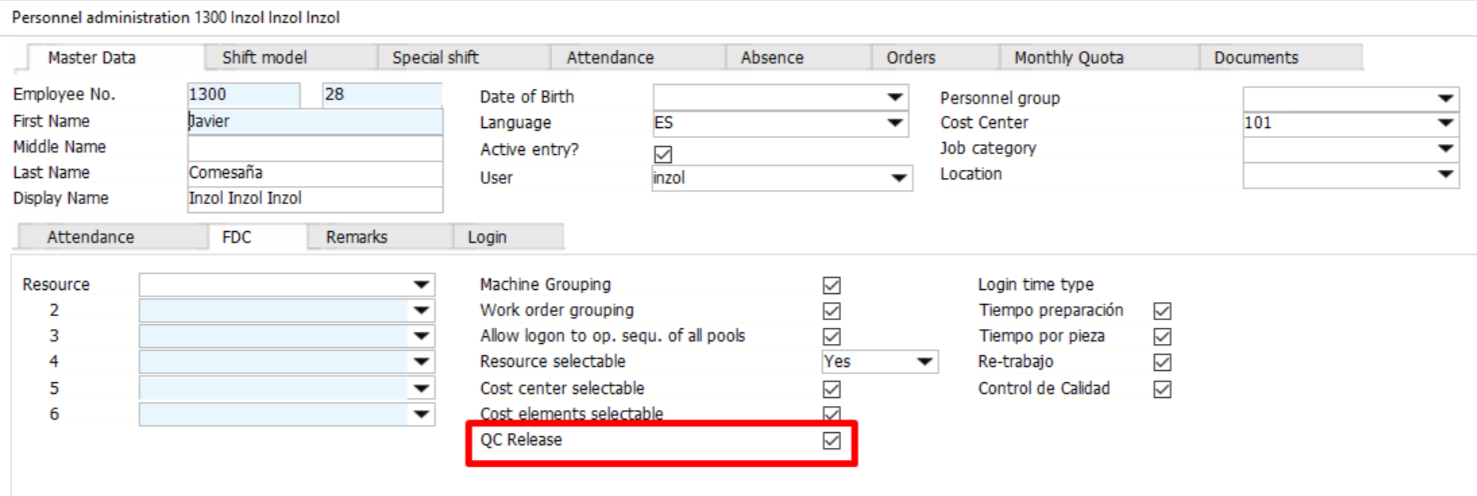
So, with this configurations, Beas couldn´t release QC Orders and Inzol could.
Now, I´ll proceed to show the QC Plan settings. This example is done for QC Orders done automatically from Goods Receipt PO, having a QC Plan assoicated in the Master Data of the item.
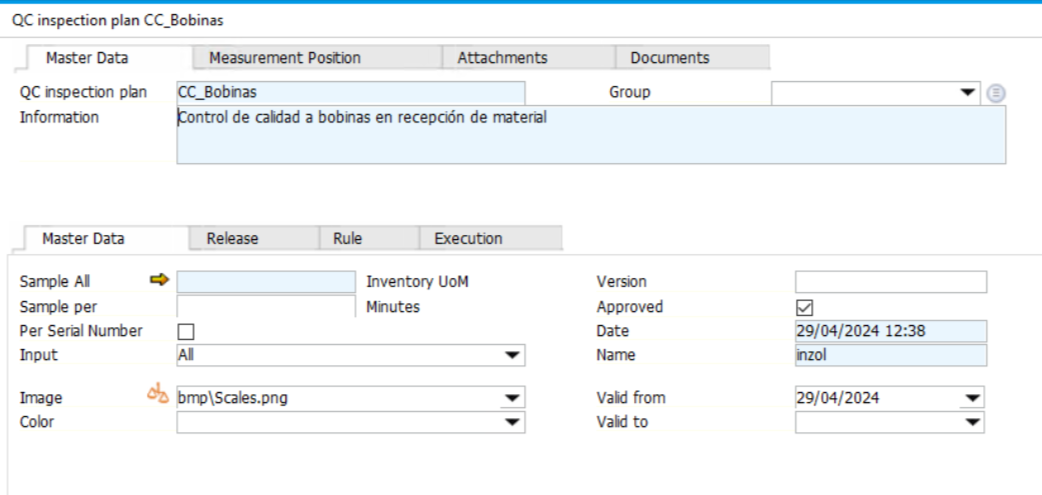
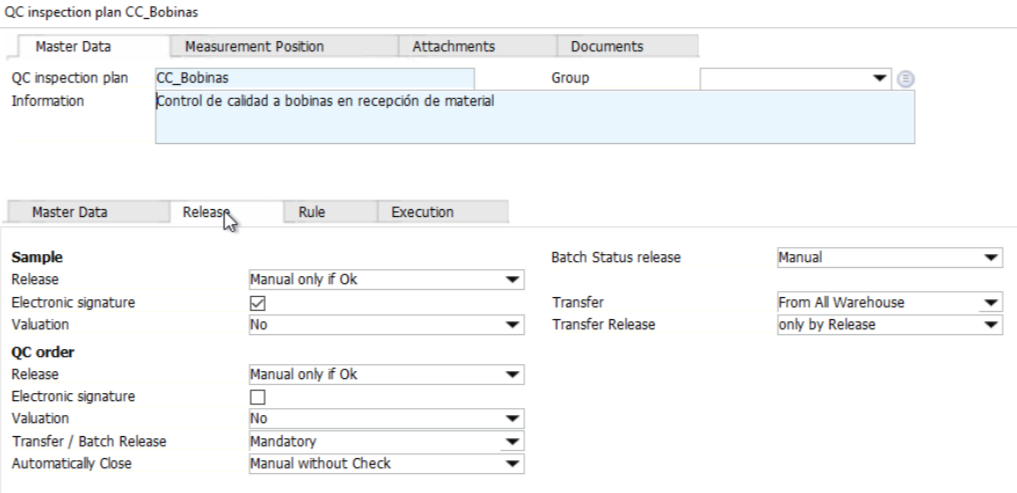
Now, the only position of this plan is an attribute type.

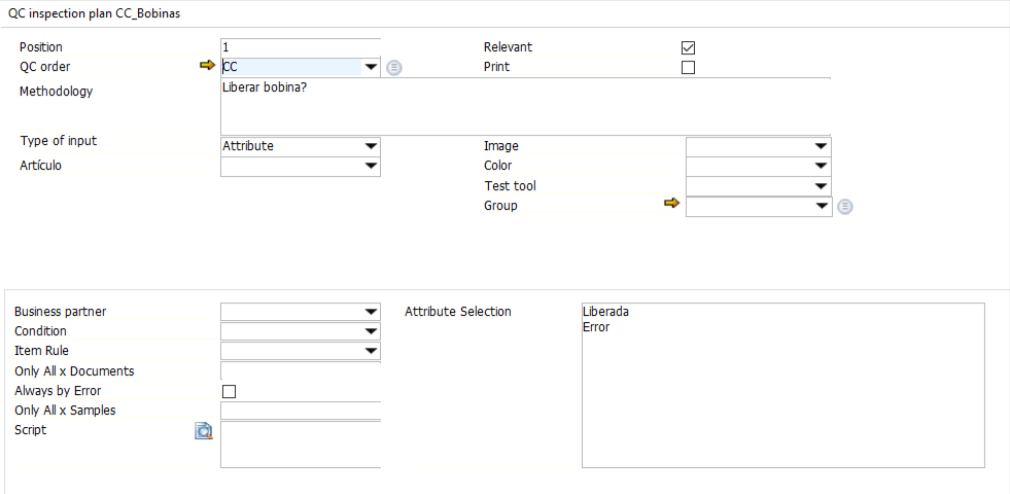
The QC Order created is the following:

Now, we are directing to the Web App in the Beas user.
We enter QC by Sample, search for the order en select it.

Here we have our sample:

This is how the sample is initially:
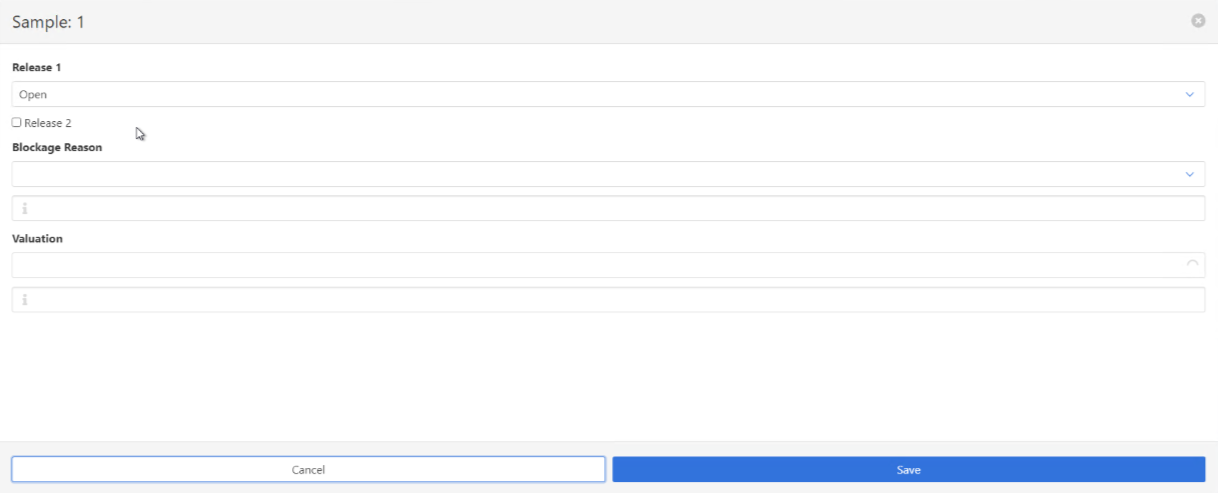
We complete the sample with release 1: Release and we check Release 2 and we save.
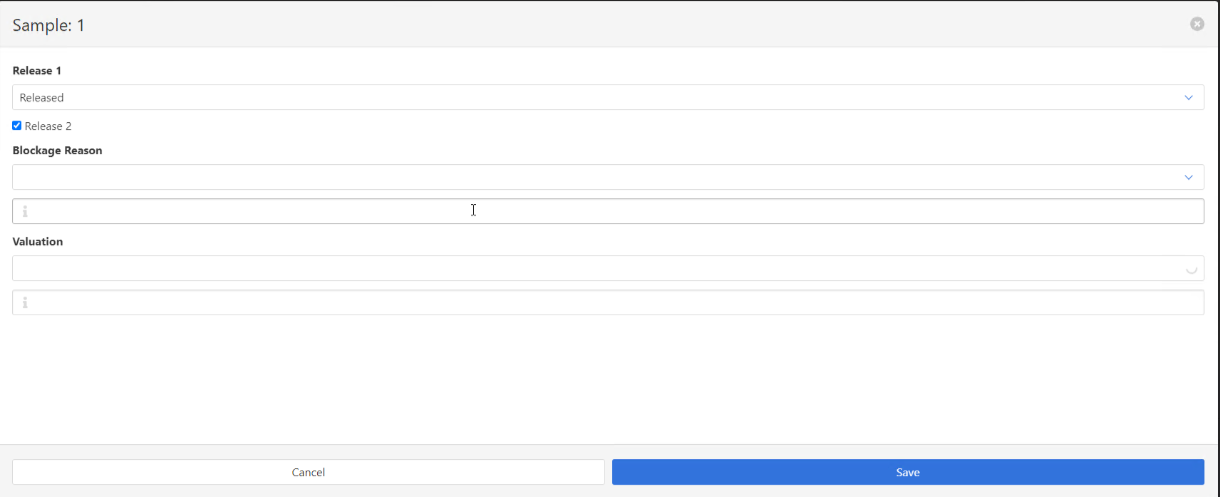
Here is where we intend that the system asks for the Inzol user password because Beas user couldn´t be able to release the sample. When we click save, nothing pops up and later if we do the measurements of the positions the sample won´t appear anymore.

When we go back to the QC Order, we can see the following:
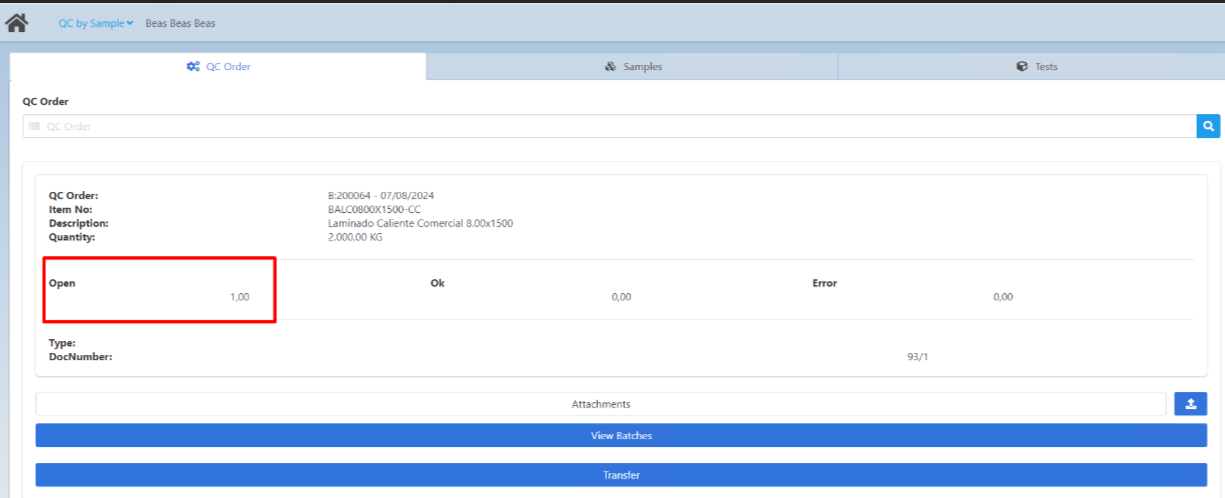
It says as if the sample is still open but it wont appear on the samples tab. When we click on transfer, the sample appears and we do the following:

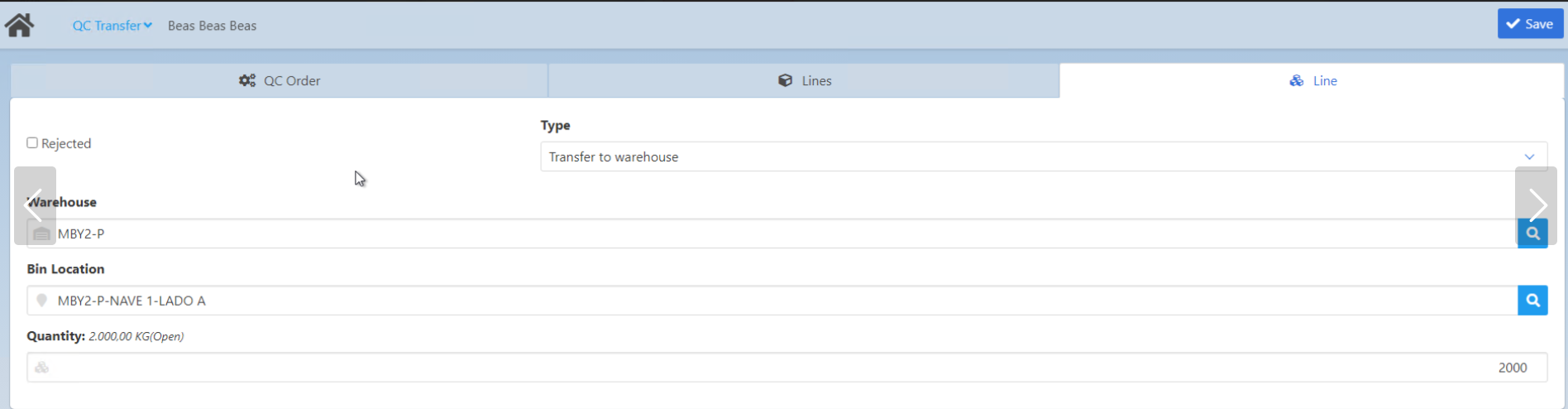
Side note before continuing: Here we created to warehouse rules, one for rejected items and one for accepted values. Is will only chose automatically the warehouse but the bin location no. This works fine on desktop app but here it doesn´t.
If we save the QC Transfer the following pops up:
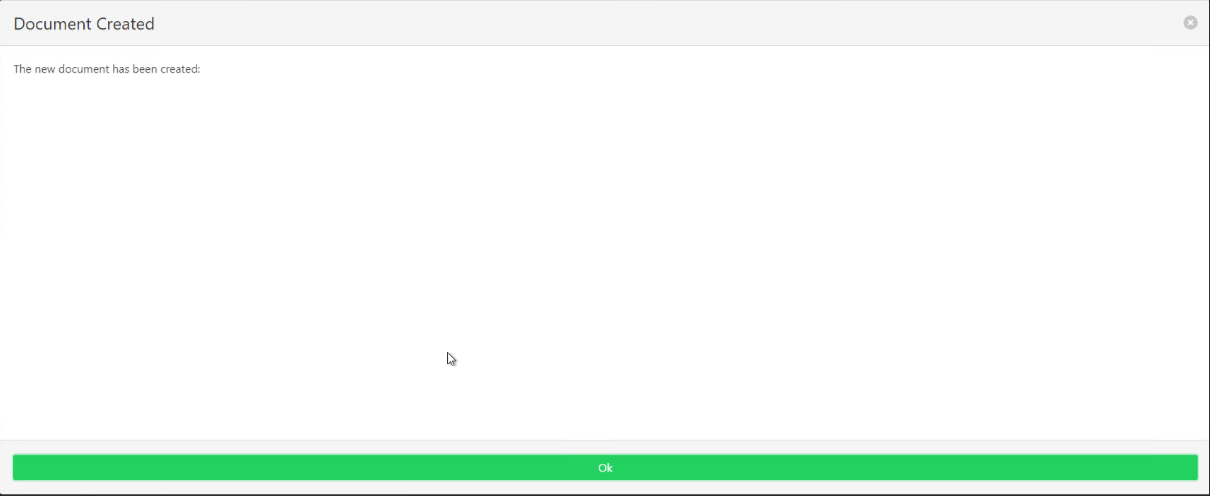
So the QC Transfer is confirmed even though the sample is not released.
Now, going back to the desktop app to the QC Order, we can appreciate the following:

Here we can see that the sample is marked as ok and the transfer is open even though we recently done the transfer for the full quantity.
If we open the QC Order and select the golden arrow on Transfer:
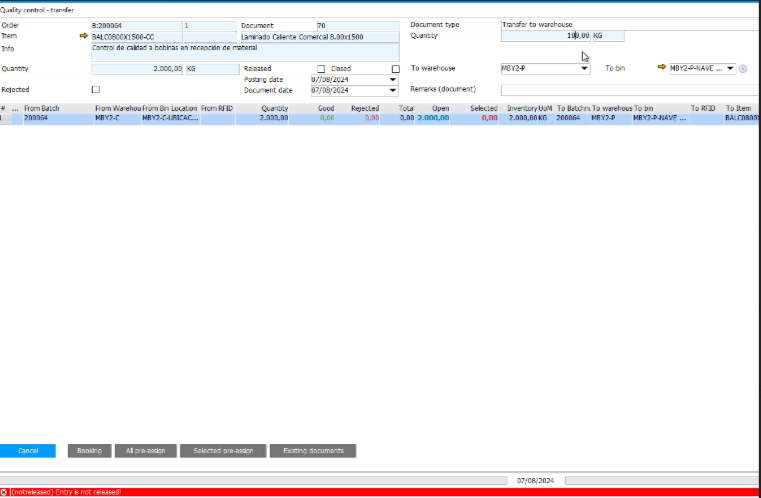
If we try to transfer any quantity an error pops up that the entry in not released, that is working fine, also we can see that the warehouse rules work correctly here.
So, the QC Transfer that was done previously on the web app did not impact on the QC Order since this doesn´t appear on this screen on transfers as it says theres a 2000 Kg open.
So, is there any configuration we are missing in this to function correctly from the Web App?
Let me know if you need further information.
Best regards,
Nicolás
Comments
0 comments
Please sign in to leave a comment.