Change values in multiple documents at the same time

Hi,
I've been trying to develop a macro or an universal function that will allow users to change the U_DocStatus value on multiple sales order based on user entry.
User types a reference number like '123*' and then he gets the list of all the sales orders with reference that start with 123, for example:
12345
123_A
123_B
Then he needs to be able to select which orders need the change.
Then the window should appear asking what status the user needs to change the sales order to.
After choosing the status, all of the checked sales orders have the status changed. This is how the field looks like in my Sales Order document:
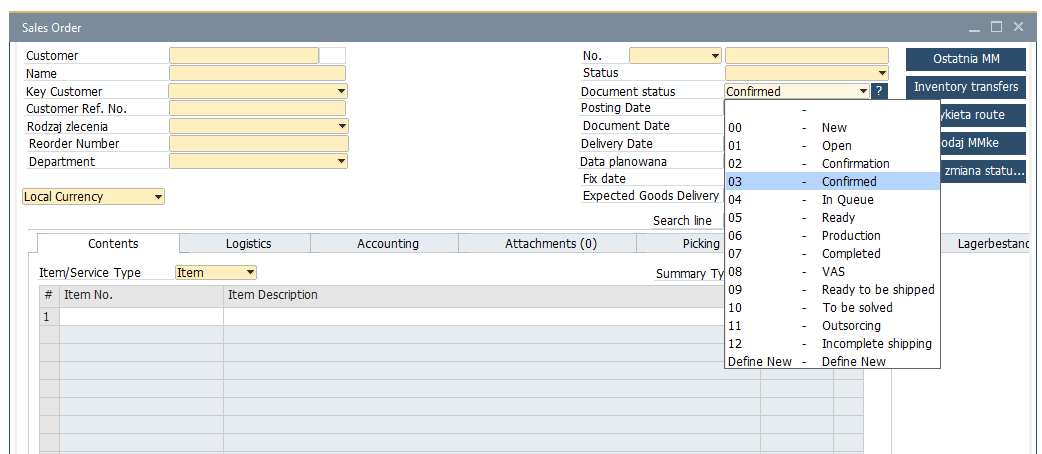
Does anybody have a clue on how this can be solved or if this is even possible without using Document Master Data Manager?
Comments
1 comment
I would start by building a SQL Report. This allows you to return a list with a check box for each row to give the user final control.
Then add a button or right-click menu to the SQL report to call a UF to perform the action you want based on a line loop or do while logic for each selected row.
You could then:
Please sign in to leave a comment.