BEAS Stock Transfer for Serial Numbers using QR code

Hello Team,
When we perform stock transfer we are required to enter serial numbers for each unit within the outer box - e.g. outer box has 4 units and we have to scan 4 serial number one by one. To speed it up we trial to print all 4 serial numbers on QR code. When we scan the QR code scanner recognises all 4 serial numbers however it will not let us to continue from here - we have columns Highlighted in Red not allowing us to complete transaction.
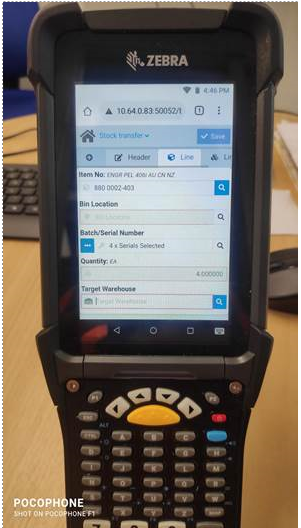
I did the Same manual selecting the 4 test Serial numbers one by one and it allowed us to complete the transaction. The only difference I found when scanning and manual select was Scanning the QR Code gave us no Date of Permission but manual selecting gave us a DOP.
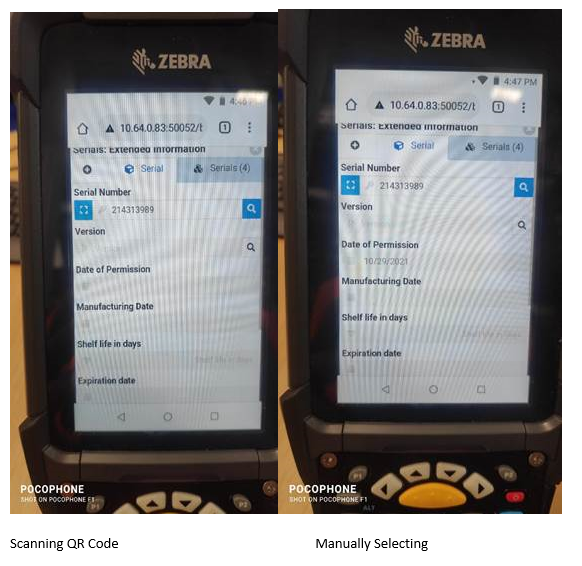
Could someone please advise why the DOP is not getting populated and if there is a way to either bypass it or get it populated? Thanks!
Comentarios
0 comentarios
Iniciar sesión para dejar un comentario.