Enable Customizing on Item structure View

Dear Boyum IT team,
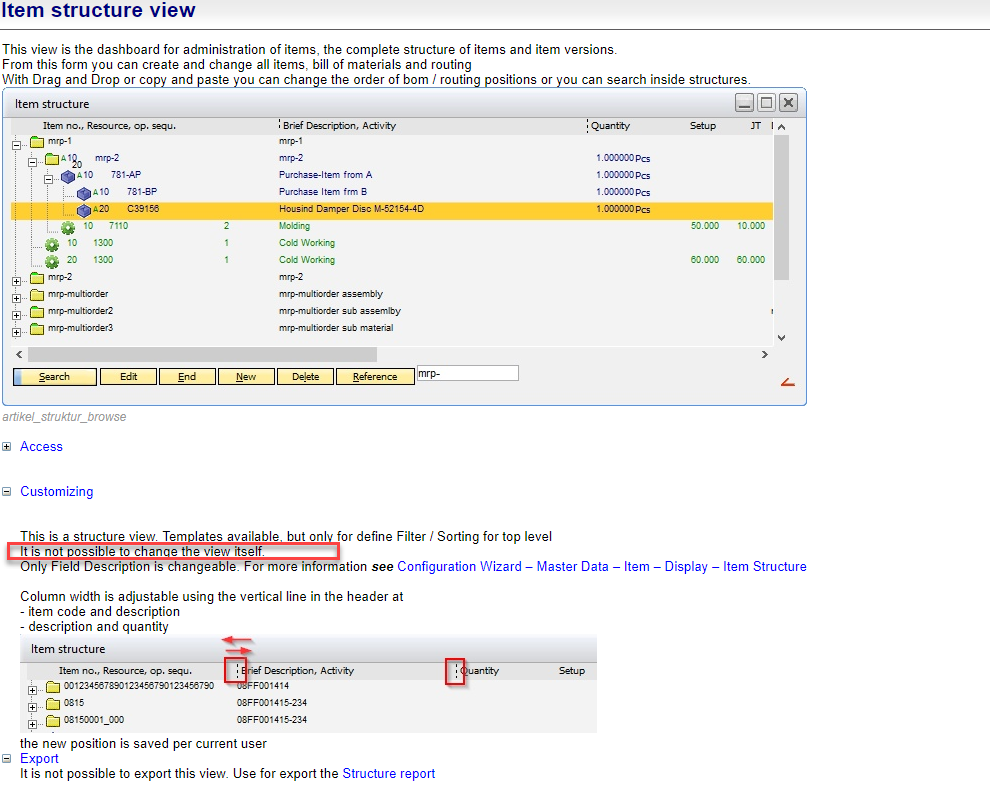
It would be really useful to be able to customize the Item structure view, for example add more information via custom columns or making standard columns invisible.
Please consider this request.
Kind Regards
Comentarios
2 comentarios
Need a filter inactive itens on item structure.
Hi Paco,
it's not possible to change this. Structure views are very nice, but to change it is not simple
Other Idea: Create your own ToolTip with displaying a Text field after mouse click
here an example
Every type of line as own "zeilentyp". Item self = 0. You can check the current type with
messagebox=<zeilentyp>
Here an example script
global function dw_1_load
// Create text field
dw_1.create=text=name=info_t<tab>text=Hello<tab>band=foreground<tab>width=600<tab>height=300
// we must use datawindow syntax for follow parameter
dw_1.modify=info_t.background.color='<rgb:190:190:190>' info_t.background.mode=0 info_t.border=2 info_t.visible='0'
end global
// Mouse click: Display it, if typ=0
global function dw_1_click
dec x,y
x=<form.click.x> + 90
y=<form.click.y> + 60
dw_1.item.info_t.x=<x>
dw_1.item.info_t.y=<y>
// Click on normal item
if <dw_1.item.zeilentyp.value> = 0 then
dw_1.item.info_t.visible=1
sqlca.select "suppcatnum" from "OITM" where "ItemCode" = <dw_1.item.itemcode.value,dbstring>
dw_1.item.info_t.text=<itemcode><cr_lf><itemname><cr_lf><sqlca.result.1>
return 1
end if
// all other: make unvisible
dw_1.item.info_t.visible=0
end global
Iniciar sesión para dejar un comentario.