UDF value from OITM to workorder UDF1 Respondida

I have got an UDF in Item Master Data (table OITM) which I need in workorder UDF1.

Does anyone know the code for doing so?
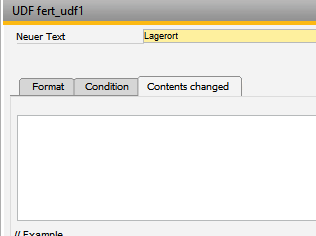
I have got an UDF in Item Master Data (table OITM) which I need in workorder UDF1.
Does anyone know the code for doing so?
Comentarios
3 comentarios
Click in any beas window Crtl + N + G
Choose workordermanagement.src button edit
Insert follow script
This HANA example copy the drawing number from OITM in the UDF1 field from work order pos
Replace the "U_ZNR" in this command with your own UDF Field from OITM Table
More information see Project folder in our documetation and beas script documentation
in beas 9.3 PL 0 with beas B1UP integration we've a very simple soultion for this
First of all thanks for the answer, it worked out quite well. Right now I have a similar issue you might be able to help with.
The red marked fields are template field and currently filled by copy + pasting the content of the previous field (which are UDFs filled from OITM). Is there a way to have that done automatically by some script?
Yes, you can do the same in same function
Iniciar sesión para dejar un comentario.